Desktop DTF Printer: 6 Design Secrets for Beginners
What Is a Desktop DTF Printer and How Does It Work?
- What Is a Desktop DTF Printer and How Does It Work?
- What Are the Six Design Secrets Every Beginner Should Know?
- Which Desktop DTF Printer Option Fits a B2B Buyer?
- What Should Buyers Check Before Procuring a Desktop DTF Printer?
- Conclusion
- FAQ
- Discussing Your Desktop DTF Printer Requirements
- References
A desktop DTF printer makes art on PET transfer film, then adds hot-melt powder. A heat press then copies the dried image to clothing. It can print on demand, in small batches, and for many custom jobs, there is no minimum order quantity. This guide talks about six design rules that have an impact on print quality, process, upkeep, and the value of the buy. I also compare the FEDAR FD-D300 and FD-D302 so that wholesalers, clothing companies, gift shops, and printing plants can choose equipment that meets their needs.
Fedar can help you choose a desktop DTF printer provider for a new clothing printing business by giving you machine specs, sample support, and expert advice. To talk about a good setup, email info@tex-printer.com with the clothes you want to print, the number of items you expect to print, and the market area.
What Is a Desktop DTF Printer and How Does It Work?
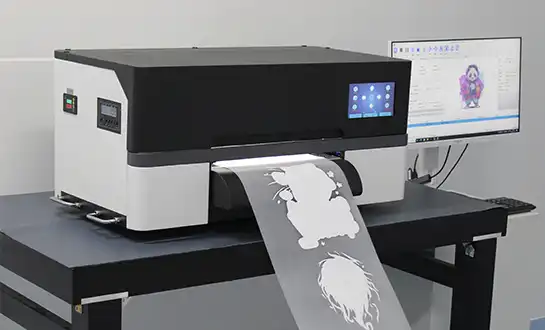
A tabletop DTF printer is a small direct-to-film printer that can make prints for canvas, cotton, polyester, mixes, and many other types of textiles. It prints an image on coated PET film with CMYK and white DTF ink. After that, adhesive powder is put on the still-wet print and allowed to dry. Finally, a heat press sets the design to the garment.
The process usually includes these steps:
- Prepare artwork in RIP software and set the correct color profile.
- Print the color image and white ink layer onto PET transfer film.
- Apply hot-melt adhesive powder to the wet ink.
- Cure the powder using a curing unit, oven, or integrated shaker.
- Press the finished transfer onto the garment.
- Peel the film according to the selected hot-peel or cold-peel process.
The desktop DTF printer does not replace the heat press. The printer creates the transfer, while the heat press applies the heat and pressure needed to bond the design.
Why Do Beginners Choose DTF Instead of Screen Printing?
Screen printing is good for big runs where the artwork doesn't need to be changed much. When you need small runs, full-color patterns, names, numbers, or custom sales, DTF is a better choice. It doesn't need different screens for every color. This makes it easier to set up when a customer orders one hoodie, five shirts, or a bunch of different styles.
Because the white ink layer makes the base solid, DTF also works with dark clothes. When the film, powder, ink, curing temperature, and pressing conditions are all just right, the print can come out bright and full of color, and it can also stand up to being washed.
What Materials Can DTF Printing Handle?
DTF technology works best on fabrics that can tolerate the selected heat-press settings. Common applications include:
- Cotton T-shirts and hoodies
- Polyester sportswear
- Cotton-polyester blends
- Canvas bags
- Workwear
- Promotional garments
- Custom caps and textile accessories
The final result depends on fabric construction, pretreatment requirements, adhesive powder, press temperature, pressure, and dwell time. A responsible supplier should test the buyer’s actual garment samples rather than promise identical results on every textile.
What Are the Six Design Secrets Every Beginner Should Know?
The following six principles explain why two machines with similar specifications can produce different business results.
Secret 1: Printhead design controls detail and reliability
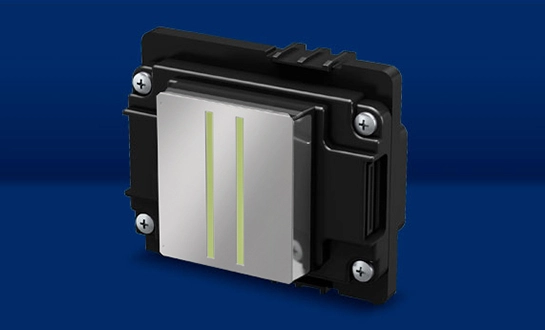
How well the machine places ink droplets depends on the printhead. The Epson F1080-A1 printer is used by both FEDAR PC types. The FD-D302 has two printheads, while the FD-D300 only has one.
This difference changes how fast things are made and how many printheads are used. The FD-D300 can print up to 20 A4 sheets or 10 A3 sheets per hour. The FD-D302 can print up to 62 A4 sheets or 31 A3 sheets per hour. These numbers can help you plan, but the actual output will depend on the image coverage, resolution, white ink density, RIP settings, and how the operator works.
The FD-D300 might be big enough for a small shop that makes special orders after work. The FD-D302 may be better for a reseller who works with school uniform providers or event product companies because it has a higher output, which cuts down on wait times.
Secret 2: White ink circulation matters more than beginners expect
White ink contains heavier pigment particles than standard color ink. Without suitable circulation or agitation, the pigment can settle and create banding, weak opacity, or nozzle blockage.
A stable DTF workflow should include:
- White ink circulation or agitation
- Regular nozzle checks
- Correct storage temperature
- Proper cleaning fluid
- A documented shutdown routine
This is one of the most important points in the knowledge base for new DTF operators. A printer may produce an excellent sample on Monday and a weak white layer on Friday if the maintenance routine is inconsistent.
When evaluating a machine, ask how the supplier supports white ink maintenance. Clear instructions and remote technical support can prevent avoidable downtime.
Secret 3: Film transport affects registration
A beginner should check:
- Film coating compatibility
- Roll or sheet feeding method
- Media alignment
- Static control
- Ink drying behavior
- Recommended film thickness
The FEDAR FD-D300 and FD-D302 offer a 300 mm print width and up to 1600 DPI resolution. The width fits common A3 transfer workflows and supports space-conscious production. The operator still needs compatible PET film and a controlled printing environment to achieve repeatable results.
Secret 4: Powder application decides flexibility and wash performance
Adhesive powder creates the bond between the printed transfer and the garment. Too little powder can cause weak adhesion. Too much powder can produce a heavy hand feel or visible edges around the artwork.
New operators should control:
- Powder coverage
- Excess powder removal
- Powder particle size
- Curing temperature
- Curing time
- Storage humidity
A clean powder layer supports a softer transfer and better wash resistance. The printer alone cannot guarantee durability. Transfer film, ink, powder, curing, and pressing form one production system.
This matters for B2B buyers because customer complaints often appear after delivery. A supplier that provides sample testing and process guidance helps agents sell a complete solution rather than a machine alone.
Secret 5: RIP software and color management shape the final image
High resolution does not automatically produce accurate color. RIP software controls ink limits, white ink density, mirroring, nesting, color profiles, and print modes. The artwork also needs correct color preparation.
A practical color workflow includes:
- Use a consistent artwork profile.
- Match the RIP profile to the ink and film.
- Run a nozzle check before production.
- Print a color chart on the selected film.
- Press the chart onto the actual garment.
- Save approved settings for repeat orders.
This approach helps maintain skin tones, brand colors, gradients, and small details. It also gives distributors reproducible samples that they can show to end customers.
Fedar’s 400-person factory focuses on original R&D and production with strict quality control. Its technical team can support configuration and sample verification for different applications. That support is valuable when an agent needs consistent results across several customer sites.
Secret 6: The complete workflow matters more than printer speed
A fast printer does not always create more finished garments per day. Production also depends on film loading, powder application, curing, heat pressing, peeling, inspection, and packing.
A useful capacity calculation looks at the entire workflow:
| Workflow stage | Common bottleneck |
|---|---|
| Printing | Ink coverage, white ink density, film loading |
| Powdering | Manual application and excess powder removal |
| Curing | Oven size, temperature stability, curing time |
| Heat pressing | Press size, operator speed, dwell time |
| Finishing | Peeling, inspection, folding, and packing |
Which Desktop DTF Printer Option Fits a B2B Buyer?
Is the FEDAR FD-D300 suitable for beginners?
The FEDAR FD-D300 uses one Epson F1080-A1 printhead, CMYK+W ink, a 300 mm print width, and up to 1600 DPI resolution. Its stated maximum speed is 10 A3 sheets per hour or 20 A4 sheets per hour.
This model fits:
- Small apparel studios
- E-commerce sellers
- Gift customization businesses
- Sample makers
- Schools and training centers
- New distributors testing local demand
It offers a lower entry point without requiring a large production floor. Businesses can print on demand instead of carrying large finished-goods inventory. That model works well when customers request names, dates, team numbers, or limited-edition graphics.
When should a buyer choose the FEDAR FD-D302?
The FD-D302 includes two Epson F1080-A1 printheads and delivers up to 31 A3 sheets per hour or 62 A4 sheets per hour. Its 300 mm width and CMYK+W configuration remain suited to common desktop DTF applications.
The FD-D302 may fit a buyer who:
- Receives regular orders from online stores
- Serves local clothing brands
- Produces school or team apparel
- Needs faster sample turnaround
- Plans to resell equipment to multiple studios
- Wants more capacity without moving to a large-format system
Speed should not be the only buying factor. Ask about white ink management, spare parts, training, warranty terms, sample repeatability, and technical response time.
Desktop DTF Printer vs. DTG and screen printing
| Technology | Best use | Main strength | Main limitation |
|---|---|---|---|
| DTF | Small batches and mixed garments | Flexible transfer production | Requires film, powder, curing, and heat press |
| DTG | Direct printing on cotton garments | Soft hand feel on suitable fabrics | Garment pretreatment and color control are important |
| Screen printing | Large repeat orders | Efficient at high volume | Setup takes longer for multi-color artwork |
| Heat-transfer vinyl | Simple names and shapes | Easy for basic graphics | Less suitable for detailed full-color images |
DTF offers a practical middle path. It supports full-color customization without screen setup and works across more garment types than many direct-print methods. It still requires disciplined consumable management.
What Should Buyers Check Before Procuring a Desktop DTF Printer?
How can agents verify factory capability?
Ask for more than a product brochure. A serious evaluation should include:
- Factory profile and production address
- Quality management documentation
- Printhead and component information
- Sample testing on customer-supplied garments
- Spare parts list and lead times
- Installation and operator training
- Warranty scope
- Remote support process
- Marketing materials for local sales
- Agent territory or market protection terms
Fedar operates a 400-person factory with original R&D and production capability, including advanced solutions such as the desktop DTF printer. It maintains stable access to core components and serves global customers through flexible cooperation models. Its after-sales team supports installation guidance, repair advice, technical training, and cross-border communication.
These factors address common agent concerns. Slow support can damage end-customer trust. Unstable samples can delay orders. Missing spare parts can stop a small production shop for days.
What should a sample test include?
A sample test should use the buyer’s intended artwork and garments. Include:
- Fine text
- Solid black areas
- White details
- Skin-tone gradients
- Small logos
- Large color blocks
- Stretch fabric
- Dark and light garments
Inspect the transfer before pressing and after washing. Check edge clarity, opacity, hand feel, adhesion, color accuracy, and cracking after stretch. The sample should also record film type, ink, powder, curing conditions, press temperature, pressure, and dwell time.
This documentation makes the sample reproducible. It gives agents evidence they can share with end customers and helps factories standardize production across operators.
How should a buyer calculate operating cost?
A realistic cost model includes more than the printer price:
- DTF ink consumption
- PET film
- Hot-melt powder
- Cleaning fluid
- Heat press power
- Labor
- Maintenance
- Packaging
- Failed transfers
- Spare parts
- Shipping and customs
A lower purchase price may not create a lower cost per garment if white ink waste, cleaning frequency, or failed transfers remain high. Ask the supplier for a test report based on a defined artwork size and coverage percentage. Use the same artwork when comparing machines.
Conclusion
A desktop DTF printer gives beginners a practical route into custom apparel, promotional products, and small-batch textile production. Its six key design principles involve printheads, white ink circulation, film transport, powder control, RIP software, and the complete heat-transfer workflow.
The FEDAR FD-D300 supports compact entry-level production and sample making. The FD-D302 offers higher A3 and A4 throughput for growing studios, e-commerce sellers, and distributor-led markets. Both models combine CMYK+W printing, 300 mm width, Epson F1080-A1 printheads, and up to 1600 DPI resolution.
For B2B buyers, reliable equipment is only part of the decision. Factory qualifications, sample reproducibility, spare parts, technical training, and after-sales response also protect the investment. Fedar combines original R&D, stable component supply, strict quality control, and a strong support team for international partners.
FAQ
What is a desktop DTF printer used for?
A desktop DTF printer creates heat-transfer graphics for T-shirts, hoodies, uniforms, bags, workwear, promotional garments, and other textile products. It suits custom orders, small batches, online businesses, and sample production.
Does a desktop DTF printer need a heat press?
Yes. The printer produces the transfer on PET film. A heat press bonds the cured adhesive and printed image to the garment. Buyers should budget for both pieces of equipment.
Can DTF printing work on cotton?
Yes. DTF transfers can adhere to cotton, polyester, blends, canvas, and many other textiles when the transfer and heat-press settings are suitable. Always test the actual garment before production.
What is the difference between the FEDAR FD-D300 and FD-D302?
The FD-D300 has one Epson F1080-A1 printhead and reaches up to 10 A3 or 20 A4 sheets per hour. The FD-D302 has two printheads and reaches up to 31 A3 or 62 A4 sheets per hour. Both print CMYK+W at up to 1600 DPI with a 300 mm width.
How long can DTF prints last?
Durability depends on ink, film, powder, curing, garment fabric, and washing conditions. A properly produced transfer can provide strong wash resistance. Test the completed garment under the customer’s expected care cycle.
How often should white ink be maintained?
Operators should follow the machine’s daily nozzle-check and white-ink circulation routine. White ink needs more attention because its pigment can settle. The exact cleaning schedule depends on production hours, ink type, and the operating environment.
Is DTF profitable for a small business?
DTF can support profitable on-demand work because it enables small quantities and personalized designs. Profit depends on garment cost, ink and powder use, labor, failed transfers, shipping, pricing, and order volume. A written cost-per-transfer calculation is essential.
Discussing Your Desktop DTF Printer Requirements
Fedar supports distributors, apparel factories, digital studios, and e-commerce sellers that need a desktop DTF printer for sale with practical technical backing. Share your target market, fabric types, estimated monthly output, and preferred sample designs. The team at info@tex-printer.com can help compare the FD-D300 and FD-D302, plan sample testing, and explain cooperation options.
References
1. U.S. Environmental Protection Agency, 2024 — Greenhouse Gas Emissions: Textile Manufacturing and Product Life Cycle Context. This source supports the article’s focus on textile production efficiency and responsible process planning.
https://www.epa.gov/ghgemissions
2. U.S. Department of Energy, 2024 — Industrial Assessment Centers. This resource supports the recommendation to evaluate energy use, equipment workflow, and operating cost rather than purchase price alone.
https://www.energy.gov/industrial-assessment-centers
3. Epson, 2024 — PrecisionCore Printhead Technology. This source supports the discussion of printhead precision and inkjet droplet placement.
https://global.epson.com/innovation/core/precisioncore.html
4. OEKO-TEX, 2024 — ECO PASSPORT by OEKO-TEX®. This source supports the need to evaluate textile chemicals, inks, and production inputs against market requirements.
https://www.oeko-tex.com/en/our-standards/eco-passport-by-oeko-tex
5. FESPA, 2024 — Digital Textile and Apparel Printing Resources. This source supports the discussion of digital textile workflows, apparel customization, and print industry applications.
https://www.fespa.com/en/digital
6. Fedar Technical Knowledge Base, 2024 — DTF Printer Product Information and Specifications. This source supports the listed FD-D300 and FD-D302 specifications, including print width, printhead configuration, color channels, resolution, and stated speed.
https://blog.tex-printer.com/

Aelx Chen
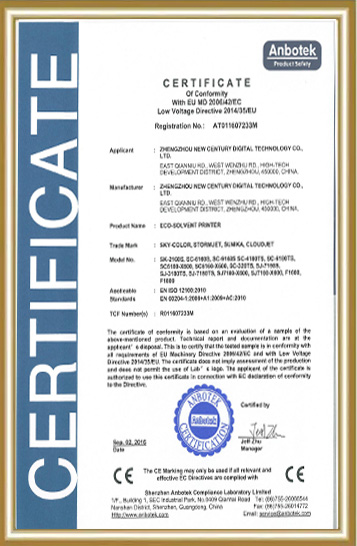
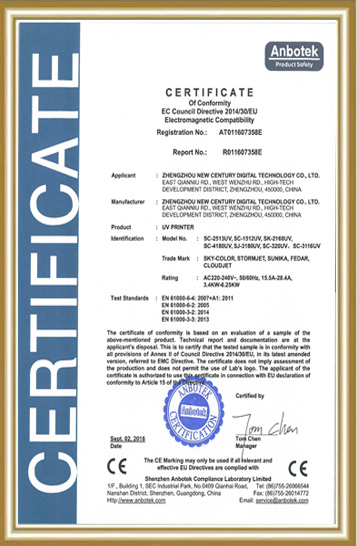
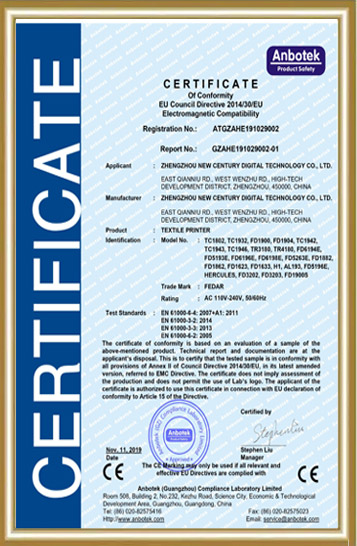
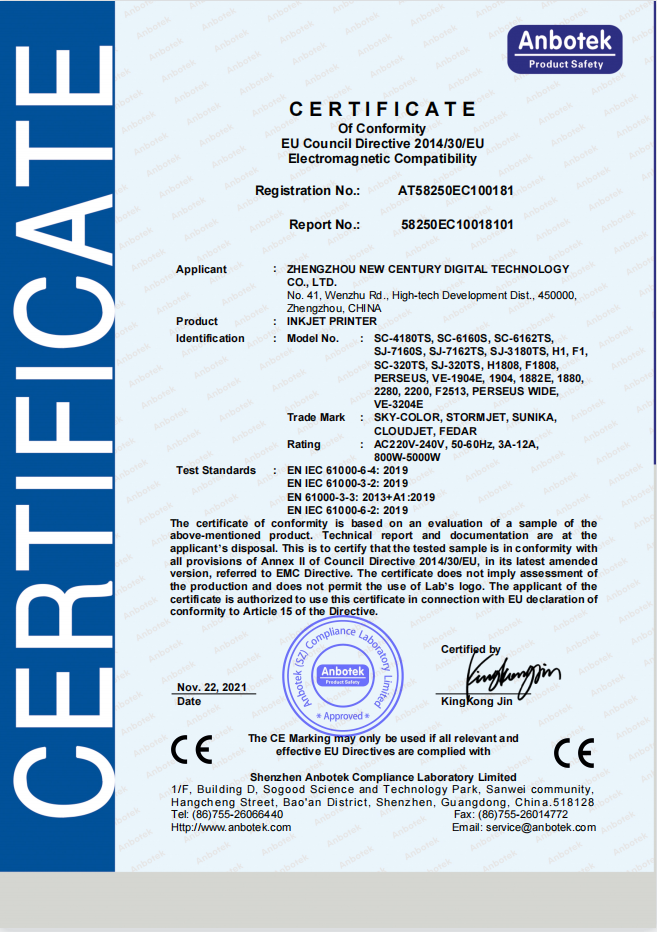
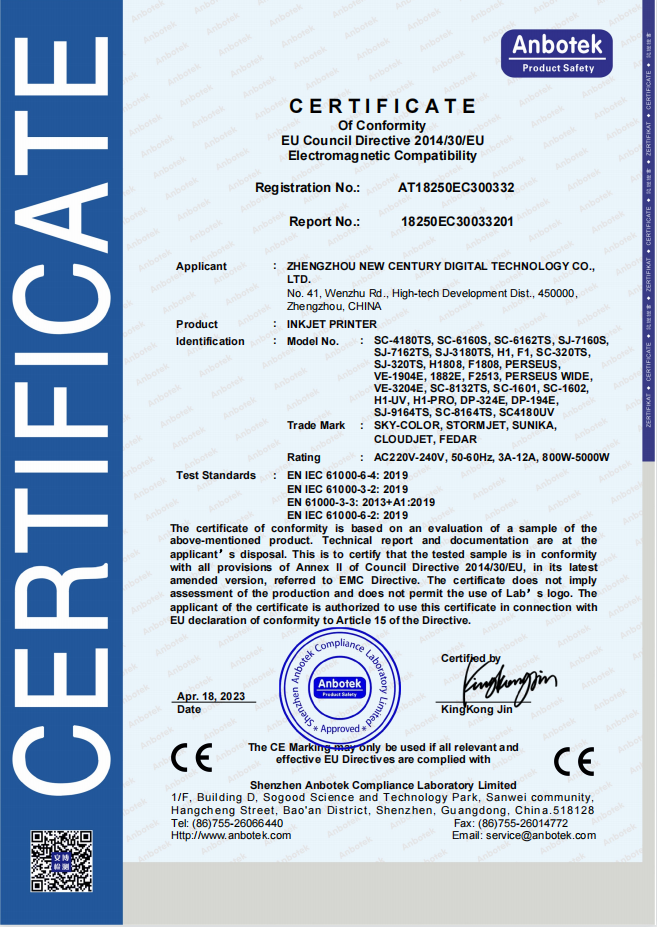
Alex Chen has accumulated extensive R&D and industrialization experience in the digital textile printing field, focusing on the innovation and optimization of digital printing equipment, direct-to-garment (DG) processes, and application solutions. He led the independent R&D and mass production of the company's core textile printing machines and DG printers, promoting their application in the textile, advertising, home furnishing, and personalized customization markets. The equipment he led has passed ISO9000 and CE certifications, earning the trust of a wide range of customers. He continuously provides customers with professional technical support and industry trend analysis, contributing to the upgrading and efficiency improvement of the digital printing industry.
We Look Forward to Your Email
Please send us product information that interests you, and we will provide you with one-on-one service.
_1778203196111.png)
Recommended Blog
 Printer Considerations_1779869621127.webp)
Understanding the 24 inch DTF Printer: Features, Benefits, and FAQs