What Need Prepare For Pet Film Printing And How It Work?
What Is a PET Film Printer?
- What Is a PET Film Printer?
- Understanding PET Film Printing: Basics and Preparation
- Key Factors to Consider When Procuring a PET Film Printer
- The PET Film Printing Process: Step-by-Step Workflow
- Maintenance and Troubleshooting for Optimal Performance
- How to Make Your Procurement Decision Confidently
- Conclusion
- FAQ
- Ready to Explore a Reliable PET Film Printer Partnership?
- References
With a PET film printer, a blank roll of polyester film can be turned into a ready-to-press clothing transfer. Setting up the machine correctly is just as important as using it correctly to get regular results. To print your first sheet, you need the right ink, powder, RIP software, and a printer that can always print white ink. This guide shows what agents, plant owners, and procurement managers need to do to get ready, how the PET film printer process works, and what makes a stable, profitable setting different from one that loses money on margins due to downtime and extra work.
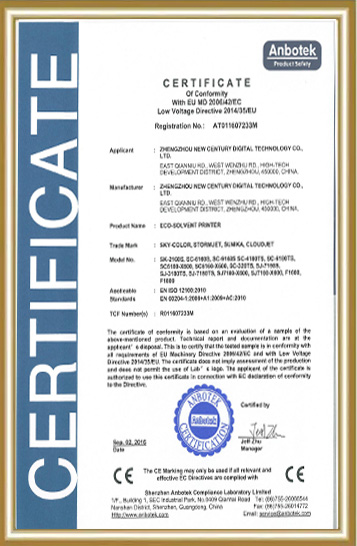
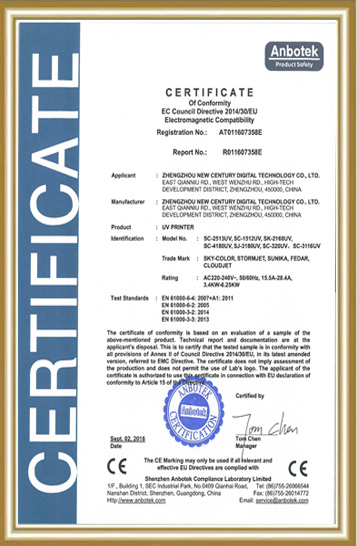
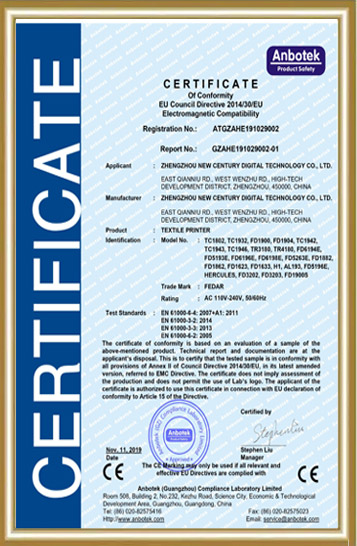
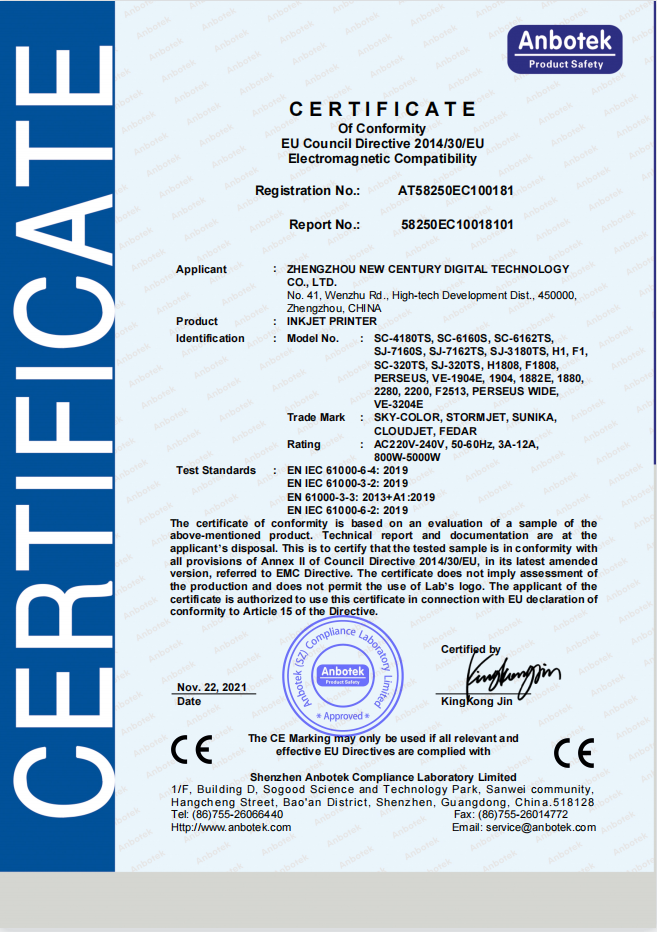
When after-sales support isn't clear, it's harder to make decisions about where to buy things. The PET film printers made by Fedar are made in a factory with 400 workers and strict quality control. Agents and factory buyers can rely on the reliability of these printers. You can email info@tex-printer.com at any time during the reading if you have questions about sample kits or the terms of release.
What Is a PET Film Printer?
A PET film printer is a special kind of inkjet printer that prints CMYK and white pigment ink straight onto polyester (PET) transfer film instead of fabric. After being printed, the film is covered with sticky powder, allowed to dry, and then it is heat-pressed onto a cloth or fabric surface. This is the main gear for Direct to Film (DTF) printing. Direct to Garment (DTG) printers, on the other hand, put ink directly on cloth.
The film itself is a short-term carrier. It's only the ink and glue that stay stuck to the fabric after the powder-coated pattern cures and transfers under heat and pressure. The PET film pulls off. DTF has become popular for small sales of cotton, polyester, and mixed materials because it makes the process less direct.
Understanding PET Film Printing: Basics and Preparation
What materials do I need before printing?
Before you start a job, you need four main things: PET transfer film, DTF pigment ink (CMYK plus white), sticky powder, and RIP software to plan color profiles and add white ink layers. If you miss any of these, the work stops for good.
The quality of the film is different for cold peel and hot peel. According to Grand View Research, cold peel film had the biggest share of the market in 2024. This is mostly because it doesn't crack as easily on different types of fabric [1]. Agents who buy film to sell should keep both kinds on hand, since end users who work with delicate synthetics often need the cold peel choice, which uses less heat.
Why does printhead choice matter this much?
The resolution, ink compatibility, and long-term dependability are all affected by the printhead choice. For example, a PET film printer with an Epson F1080-A1 printhead can handle resolutions of up to 1600 DPI, which helps small-batch clothing sales keep fine text and stripes clear.
When factory owners ask questions, agents should be ready to give them direct answers about how long printheads last. It's also important that the ink formulation is good. Inks with inconsistent viscosity or pigment particle size can clog printheads more quickly, which increases maintenance costs and makes people less likely to use an agent again.
How does white ink complicate preparation?
Because the titanium dioxide color particles in white ink are larger, it sets faster than CMYK ink. A PET film printer without a separate white ink circulation system will get clogged within a few days of use. This is one of the main problems small studios have when they switch to DTF for the first time.
Look for machines that have automatic stirring or recycling built into the way the ink gets to the printer. This one feature is what sets reliable production printers apart from cheap ones that need to be serviced by hand every few print runs.
Key Factors to Consider When Procuring a PET Film Printer
When agents and factories look at a PET film printer for sale, they should look at more than just the price on the box. The things that really affect long-term success are shown in the table below.
| Factor | Why It Matters | What to Ask Suppliers |
|---|---|---|
| Print resolution | Affects fine detail and gradient quality | Confirm max DPI and real-world test prints |
| Printhead count | Impacts throughput speed | Compare single vs. dual printhead output rates |
| Ink compatibility | Determines consumable sourcing flexibility | Ask which third-party inks are validated |
| After-sales network | Reduces downtime during repairs | Request regional service center locations |
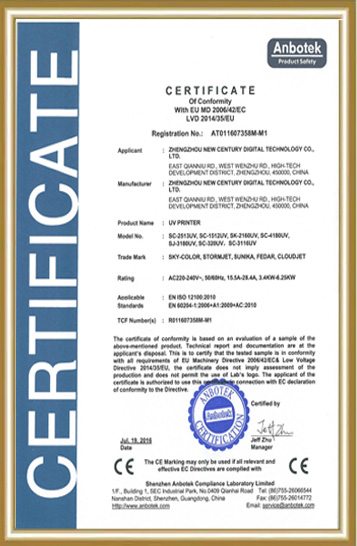
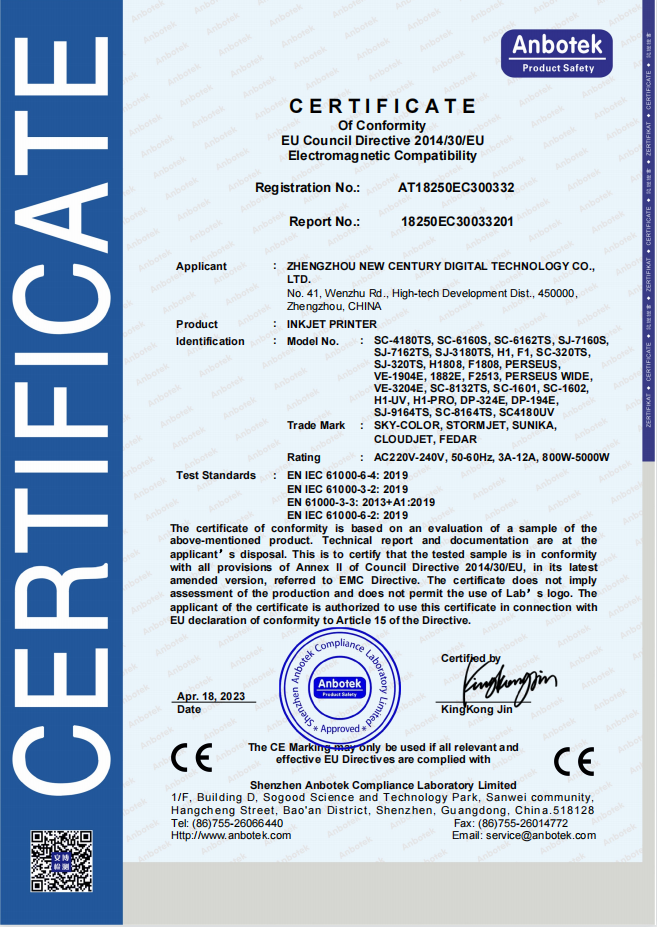
| Factory certification | Signals manufacturing consistency | Request ISO or equivalent documentation |
What throughput should I expect from a compact printer?
Printhead count and print width have a big effect on throughput. To give you an idea, the FEDAR FD-D300, a 300mm PET film printer with a single Epson F1080-A1 head, prints about 10 A3 sheets per hour in CMYK mode. The FEDAR FD-D302, on the other hand, has two heads and prints about 31 A3 sheets per hour.
Single-head output is usually enough for a small company that only takes on individual jobs. Most of the time, factories that make large amounts of goods for bulk customers need the dual-head setup so they can meet delivery dates without having to buy a second machine.
Why do agents care about factory qualifications?
Before committing inventory dollars to a brand partnership, distributors need written proof that the products will be made the same way every time. There is a factory with 400 workers that focuses on original research and development and strict quality control. This gives agents a clear answer when customers ask where their PET film printer comes from and how well it's built.
Mid-order delays are less likely to happen at factories that also keep their core component supplies stable. This is because mid-order delays make it hard for agents to give their customers solid delivery windows.
The PET Film Printing Process: Step-by-Step Workflow
How does a design go from file to finished transfer?
Printing, powdering, curing, and pressing are the four steps that make up the workflow of any PET film printer. Each step depends on the one before it being done right, so skipping steps or not giving enough time usually leads to peeling or cracking later on.
Design the art and mirror it. The RIP software flips the files so that the final press orientation reads correctly on the garment.
Use CMYK ink and then white ink to print on PET film. The printer puts down the color first, and then a white underbase to make dark materials opaque [2].
Put on the glue powder while the ink is still wet. The extra powder is shaken off, leaving only the powder that sticks to the tattoos.
Dry the powder. According to sources in the industry, setting temperatures are usually between 160°C and 170°C for 10 to 20 seconds. This turns on the glue without burning the ink [3].
Apply with a heat press. Setting it to 150°C to 165°C for 10 to 20 seconds with medium to high pressure is the norm [4].
Depending on the type of film, peel off the film while it is hot or cold. Then, give it a quick second press to make sure it stays in place.
Why does peel timing change between film types?
When you press hot peel film, you take it off right away while it's still warm. This speeds up production for large runs. Before it can be used, cold peel film needs to cool down to almost room temperature. This is something that many suppliers say makes the film stick better to more delicate synthetic blends [5].
Studios that make both clothes and softline home textiles usually keep both kinds of film on hand, and they match the peel method to the type of fabric used on each job.
What causes most first-time printing failures?
Most quality complaints in the industry are caused by three mistakes: using the wrong curing temperature, skipping the second press after peeling, and storing powder incorrectly in damp places. Sticky powder clumps when it's humid, and it dries unevenly, leaving behind patchy stickiness.
When fixing calls come in, agents should first go over the outdoor storage conditions with new customers. This is because this one factor fixes a lot of "printer defect" complaints that are actually process problems.
Maintenance and Troubleshooting for Optimal Performance
How often should I clean the printhead?
Any PET film printer that has daily cleaning processes and automatic white ink moving stops the pigment from settling, which is what causes bands and jams. Machines with built-in upkeep routines make studio staff's jobs easier by reducing the amount of physical work they have to do. This directly lowers the ongoing cost of ownership that agents need to tell buyers.
What's driving high maintenance costs for some operators?
The most expensive maintenance is when studios use third-party inks that haven't been tested and don't work with their PET film printer's printhead chemistry, or when they don't clean the printer at all during its scheduled cleaning cycles. The Direct To Film Printing Market Size report says that differences in the quality of the ink and film have a direct effect on how long prints last and how well they stick to surfaces. This problem gets worse when maintenance methods aren't always followed [6].
When agents help customers from other countries, they face a unique version of this issue: they can't get extra parts locally, so a clogged printer can stop a customer's production line for weeks while new parts are shipped from another country.
How does local after-sales support change the cost equation?
If a seller has service centers in multiple areas and keeps extra parts in stock, the time it takes to fix a PET film printer goes from weeks to days. This is always mentioned as one of the most important things agents look at when choosing which brand to represent, since slow customer service breaks the trust that agents have made with their own customers.
How to Make Your Procurement Decision Confidently
Should I choose a single or dual printhead configuration?
Use order amount to match the number of printheads, not ideal capacity. A PET film printer with a single nozzle, like the FD-D300, works well for sample makers and small-batch companies that work on one-off or short-run orders. A two-head setup like the FD-D302 works well for factories or agents who sell in bulk to clients who need consistent, high-volume throughput.
What questions should I ask before signing an agent agreement?
Find out about the brand's policies on protecting the market, the minimum order size, technical training that is available, and whether they offer marketing materials or trial kits for your PET film printer line. One of the main reasons agents have trouble converting end customers is that samples don't always look good, so asking for repeatable sample runs before committing inventory is a normal and reasonable thing to do.
Why does profit margin depend on more than unit price?
When upkeep costs, downtime, and slow parts supply eat away at the savings from a lower price up front, the profit margin quickly goes away. A slightly more expensive PET film printer with strong factory standards and helpful after-sales support usually gives you a better return on your investment over two to three years than a cheaper option that doesn't come with any support.
Conclusion
To get consistent results from a PET film printer, you need to set it up correctly. You need the right film, tested ink, reliable white ink circulation, and careful steps for drying and pressing. For agents and factory buyers, the equipment is only one part of the equation. Factory qualifications, sample quality, and local after-sales support are what really matter when it comes to figuring out if a partnership will protect margins in the long run. In this case, both a well-planned process and a well-checked provider relationship are important.
FAQ
Is it possible to change a normal inkjet printer to print on PET film?
Normal laser or inkjet printers can't handle DTF pigment inks or the mechanism needed to feed the film. A specialist PET film printer can handle white ink movement and film handling in a way that consumer printers can't. This is why a desktop inkjet that has been changed to a PET film printer almost always fails after the first few print runs.
How long does it take for a single DTF transfer to go from being printed to being worn?
It usually only takes three to five minutes to print, powder, cure, and press a single transfer. This is much faster than setting up screen printing for small or one-time orders.
What kinds of fabrics work best with PET film?
This method works well with cotton, polyester, and mixes of cotton and polyester. When it comes to delicate synthetic blends, cold peel film tends to work better than hot peel alternatives.
Is DTF printing profitable for a small studio that has never done it before?
Yes, mostly because there is no minimum order size and print-on-demand creation is possible. Setting up a desktop-format printer is cheaper than setting up a screen printer, and it doesn't take up as much room or energy, which is good for small businesses.
What's the worst thing that new DTF workers do?
One of the most common mistakes is skipping the second press after peeling off the film. This makes the wash last much less long. A close second is storing powder incorrectly in damp places.
Ready to Explore a Reliable PET Film Printer Partnership?
If your customers have lost trust in the past because of slow after-sales service or inconsistent sample quality, a new supplier relationship could change that. Fedar has a 400-person factory based on original research and development, strict quality control, and a stable supply of core components. The factory is backed by a devoted after-sales team that helps with installation and repair across borders. If you're looking for a PET film printer maker to sell as an agency or are thinking about buying equipment for your own studio, email info@tex-printer.com to get sample kits, information on technical training, and the latest market security terms.
References
1. Grand View Research, "Direct To Film Printing Market Size | Industry Report, 2030" (2025). https://www.grandviewresearch.com/industry-analysis/direct-film-printing-market-report
2. DTF Ghost, "How to Use DTF Powder: Enhancing Your Prints like a Pro" (2025). https://dtfghost.com/blogs/news/how-to-use-dtf-powder-enhancing-your-prints-like-a-pro
3. DTF Print Go, "DTF film: Mastering materials, curing, and finishing" (2026). https://www.dtfprintgo.com/dtf-film-mastering-materials-curing-and-finishing/
4. Indiana DTF Print, "How Do DTF Transfers Work? Step-by-Step Process" (2026). https://indianadtfprint.com/blogs/news/how-do-dtf-transfers-work-step-by-step-process
5. DTF Center, "DTF Heat Press Settings: Temperature, Pressure and Peel Techniques" (2025). https://dtfcenter.com/blogs/dtf-transfer/dtf-heat-press-settings-temperature-pressure-and-peel-techniques
6. ResearchAndMarkets via GlobeNewswire, "Direct To Film (DTF) Printing Market Analysis and Revenue Forecast 2025-2030" (2025). https://finance.yahoo.com/news/direct-film-dtf-printing-market-160600797.html

Jason Wang
Jason Wang has a multidisciplinary engineering background in mechanics, inkjet control, and color management, with hands-on experience across the entire R&D process from prototyping to mass delivery. Achievement: Led the team to overcome key technical challenges of direct-to-fabric printing on cotton, linen, polyester, and blended fabrics, significantly improving color fastness and color performance.
We Look Forward to Your Email
Please send us product information that interests you, and we will provide you with one-on-one service.
_1778203196111.png)
Recommended Blog
Is the DTF Printer 60cm suitable for small - scale businesses?
 Printing is a Great Addition for Your Business_1781507126513.webp)
Why Direct-to-Film(DTF) Printing is a Great Addition for Your Business
 Printer Considerations_1779869621127.webp)

What are the maintenance requirements for direct to film printer?
A3 DTF Printer: with vs. without Oven System How To Choose?
How to Choose the Right DTF Printing Machine for Your Business?