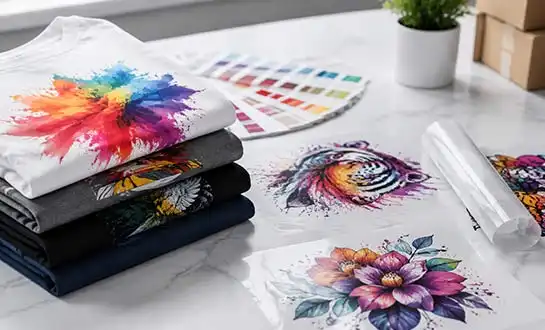
Why Are Desktop DTF Printers Popular in Custom Apparel?
Introduction
- Introduction
- What Is a Desktop DTF Printer and How Does It Work?
- Why Desktop DTF Printers Outperform Traditional Printing Methods
- Key Considerations When Choosing a Desktop DTF Printer for Your Business
- Best Practices for Desktop DTF Printer Maintenance and Troubleshooting
- Maximizing the Value of Desktop DTF Printers in Your Production Workflow
- Conclusion
- FAQ
- Partner with Fedar for Your Desktop DTF Printer Needs
- References
Desktop DTF printers have transformed custom apparel manufacturing by delivering industrial-quality output within a compact footprint, making professional textile decoration accessible to businesses of all sizes. These specialized direct-to-film printing systems enable on-demand production with zero minimum order requirements while maintaining vibrant color reproduction and exceptional durability across diverse fabric types. The technology eliminates traditional barriers such as complex pre-treatment processes and expensive screen setups, allowing small studios and established factories alike to respond rapidly to market demands with cost-effective, high-margin customization solutions.
Introduction
Digital Transfer Film printing technology is a big change in how companies that make handmade clothes decorate textiles. Desktop DTF printers bring industrial-grade capabilities to workplaces that were previously limited by equipment size and operating complexity. This is in contrast to traditional methods that need a lot of money and dedicated floor space. For B2B procurement managers, technical directors, and equipment resellers who want to find reliable, profitable options for their production settings or client portfolios, this guide is just what they need.
Custom clothing is a very competitive business, so you need to be able to turn orders around quickly without lowering the quality standards. Desktop DTF printers address this issue by fusing precise Epson printing technology with simplified processes that cut down on material waste and labour costs. Understanding the technical and business benefits of desktop dtf systems will help you make smart equipment purchases that protect your profit margins while increasing your service offerings, whether you run a small studio that takes sample orders or are in charge of distribution channels that serve multiple production facilities.
What Is a Desktop DTF Printer and How Does It Work?
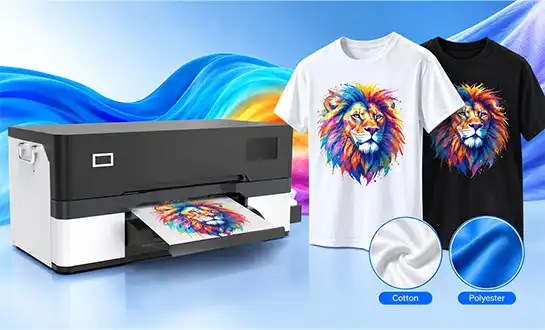
source: FEDAR PRINRTER
Core Components and Technical Architecture
As a combined system, a desktop DTF printer is made up of several carefully designed parts that work together in sync. With droplet accuracy measured in picolitres, the printhead assembly, which usually uses Epson F1080-A1 technology, puts special pigment inks on clear PET film. This level of accuracy lets images be printed at sizes up to 1600 DPI and still have clear details, even in gradient designs that are very complicated. The powder applicator unit comes right after the printing step and evenly covers the wet ink with thermoplastic adhesive powder. This powder sticks during the curing step that follows. A vacuum suction base keeps the film stable during the whole process, which stops registration mistakes that lower the quality of the print.
The DTF Printing Workflow Explained
The process starts with preparing the digital artwork using RIP software, which separates the colours and makes the white ink underbase layer that is needed for printing bright colours on dark fabrics. The printer then puts down CMYK colours and then white ink, either all at once or in several passes, depending on how the printer is set up. New prints are sent to the powder application stage, where hot-melt glue particles stick only to the areas with wet ink. Any extra powder is reused on other jobs. The powder-ink link is solidified by heat curing at controlled temperatures. This makes a bendable transfer film that can be put on clothes with a heat press. This whole cycle needs very little help from an operator, so one technician can handle several print jobs at once.
Advantages for Small and Medium Businesses
Desktop systems take up about 30 inches of counter space, which is about the same as a regular office printer. However, they produce results that used to only be possible with huge industrial machines that took up whole rooms. This better use of space directly leads to lower facility overhead costs, which is especially helpful for studios in cities where real estate costs have a big effect on profits. Large-format DTF systems use 3 to 5 kilowatts of power when they're running, but this one only uses 120 watts on average. Desktop DTF technology is easy for businesses to use, so they can try out custom clothing services without spending six figures on them. This makes it easier for new businesses to get into the market while still meeting the high standards of professional output that corporate clients expect.
Why Desktop DTF Printers Outperform Traditional Printing Methods
For traditional screen printing, long setup times are needed for things like making the screen, making sure it's lined up correctly, and mixing the colours. Because of fixed costs that have to be spread out over production numbers, small orders can't be cheaply done. In a normal screen setting, it takes 45 to 90 minutes for the first print to appear. However, desktop DTF printers make the first move within five minutes of getting the digital file. This saves time and changes the way sample production works in situations where clients want quick prototypes for review cycles. When a business customer asks for three different logos on trial shirts, desktop DTF technology gets rid of the huge setup costs that make it impossible for many studios to say no.
Direct-to-garment printing has its own operational problems, especially the step of treating the fabric before printing, which requires extra work and takes longer to finish. The unique solutions needed for DTG pre-treatment make managing inventory harder and cause material to be wasted, often when cleaning clothes that don't pass quality control. Desktop DTF printers don't need to do any of this because they can print patterns directly on cotton, polyester, tri-blends, and even tough materials like nylon without needing to prepare the surface first. Material versatility lets service providers serve a wider range of customers, from companies that make athletic wear that needs fabrics that don't retain moisture to companies that sell promotional goods that need to decorate canvas tote bags.
Durability testing according to AATCC standards shows that DTF transfers that are done correctly keep their colour and structure through 50+ industrial wash cycles, which is better than many vinyl heat transfer uses that crack or peel when put under mechanical stress. The chemical linking between thermoplastic powder and textile fibres makes a flexible connection that moves with the fabric as it stretches. This is especially important for performance wear and tight clothes that are bent over and over while being worn. When purchasing managers look at long-term customer satisfaction metrics, they know that better wash fastness cuts down on callback complaints and warranty claims. This protects the brand's reputation and keeps replacement costs low.
Key Considerations When Choosing a Desktop DTF Printer for Your Business
Print Resolution and Speed Requirements
Different business models have very different production needs, so it's important to carefully match the capabilities of equipment with the needs of operations. Resolution specs tell you the finest detail that can be reproduced in complicated designs. For example, entry-level systems with 720 DPI are good for strong images and text-heavy programs, but for photorealistic portrait prints, you need 1600 DPI. Manufacturers' speed ratings are based on the best conditions with draft quality settings. Typical production speeds for commercial-grade output range from 10 to 30 A3 sheets per hour, depending on the number of printheads and the level of colour saturation. The FEDAR FD-D300 with a single Epson F1080-A1 printhead can make 10 A3 transfers an hour at full colour density, which is good for small businesses and making samples. The FD-D302 with two printheads, on the other hand, can make 31 A3 sheets an hour, which is more than enough for small-batch production facilities that have to handle multiple orders at the same time.
Ink System Compatibility and Maintenance Architecture
A very important technical aspect that is often missed during the initial evaluation of equipment is the white ink circulation system. Titanium dioxide pigments that are mixed in with white DTF ink settle down on their own, so the fluid reservoir needs to be constantly stirred up by active circulation systems to keep the particles evenly spread out. Systems that don't have automatic circulation get desktop DTF printer clogs that need to be replaced or fixed by a professional, which can be expensive and cause unexpected downtime during busy production times. Teams in charge of buying things should check to see if there are built-in circulation pumps and ask about recommended maintenance schedules. These usually include short daily purge cycles and weekly deep cleaning procedures that take less than 30 minutes total but keep failures from happening that cost thousands of dollars to fix.
Evaluating Manufacturer Support Networks
Where authorised service centers are located has a direct effect on how smoothly operations can continue when technology problems arise. Equipment from makers with North American service infrastructure makes it easy to get new printheads, spare dampers, and other parts that are used up quickly, without having to wait weeks for foreign shipping, which can stop production equipment. Fedar has a plant with 400 workers that focuses on original research and development. Each step of the production process is governed by quality control rules, and stable supply chains are in place for core components like Epson printhead assemblies. This production depth gives resellers and end users of equipment peace of mind that replacement parts will be available for as long as the equipment is in use. This protects the value of their initial investment and makes sure that distributed client setups are always supported.
Best Practices for Desktop DTF Printer Maintenance and Troubleshooting
Daily and Weekly Maintenance Protocols
Most technical problems that slow down production schedules can be avoided by following regular maintenance routines. As part of daily routines, the desktop DTF printer tip should be checked through the control software interface to make sure that all jets fire correctly across all CMYK and white channels. This diagnostic test uses few supplies but finds clogs before they become so bad that the nozzle stops working completely and needs extensive repair work. As part of the weekly maintenance, the powder application unit is cleaned, residue from the shaker mechanisms is removed, and the adhesive is spread evenly. Controlling the environment is very important. Keeping the temperature between 68°F and 77°F and the relative humidity between 40 and 60% is best for ink density and keeps air systems from condensing.
Common Technical Issues and Resolution Strategies
Banding artefacts, which look like horizontal lines across printed images, usually mean that the printhead voltage isn't set correctly or there are problems with the film feed mechanism. Feed-related banding can usually be fixed by changing the settings in the service menu for the stepper motor. Printhead alignment tools fix voltage-related problems by automatically making the necessary changes. When there are colour differences between the sample on the screen and the print, the ICC profile needs to be calibrated using test spots measured with a spectrophotometer. This makes sure that the colours in digital files are correctly mapped to the colours that are actually deposited in the printer. If you're having trouble with white ink not being opaque, make sure that the circulation system keeps running even when the machine is not in use. Even short periods of inactivity can cause pigments to settle, which can show up as see-through or streaky white layers that aren't good for dark fabric applications.
Accessing Manufacturer Support Resources
Setting up direct lines of contact with technical support teams before problems appear makes fixing them faster when production demands rise. Reputable makers offer a variety of ways to get in touch with them, such as phone hotlines, email ticketing systems, and more and more remote diagnostics, which let techs access machine parameters through network links and walk operators through making complicated changes. Fedar's after-sales support system works with users all over the world and in different time zones, because production plans often go beyond normal business hours. Operators can fix simple problems on their own with the help of documentation tools like video lessons, illustrated maintenance guides, and troubleshooting flowcharts. They only need direct support for more complicated mechanical or electronic failures that need component replacement.
Maximizing the Value of Desktop DTF Printers in Your Production Workflow
Material Selection and Transfer Optimization
The quality of the film has a direct effect on the final transfer's hand feel, wash durability, and colour vibrancy. Premium PET films have special coatings that evenly accept ink and release cleanly when applied with a heat press. Cheaper films, on the other hand, may leave behind adhesive residue or incomplete release that makes the garment look bad. The settings on a heat press need to be precisely calibrated to the type of powder being used. For thermoplastic powders, the best melting point is between 300°F and 320°F, and the pressure should be applied for 10 to 15 seconds. However, testing the press on test transfers is the only way to be sure that it doesn't under-cure, which would make the transfer less sticky, or over-cure, which would make it too stiff. Fabric pre-heating for 5 to 8 seconds gets rid of the moisture that would otherwise turn into steam during transfer, which can lead to bubbles or areas where the adhesive isn't fully formed.
Software Integration and Workflow Automation
Today's RIP software does more than just manage colours; it also has tools for improving production efficiency that make operators more productive. Nesting algorithms automatically order multiple patterns on a single film sheet, which cuts down on waste and makes the best use of materials. Job queuing functions let operators post the entire day's production schedules. This lets desktop DTF printers print overnight without being watched, which essentially doubles equipment utilisation without adding extra labour costs. When cloud-based design libraries are synced across multiple workstations, everyone—sales teams, designers, and production workers—can access the same artwork files. This gets rid of the version control mistakes that lead to reprints and unhappy customers.
Emerging Trends in Desktop DTF Technology
New printhead technologies keep making resolutions better and more accurate while also making it easier to place ink droplets. New piezoelectric technologies are getting close to 2400 DPI levels, which makes it harder to tell the difference between photographic prints and textile transfers. Researchers working on white ink formulations are trying to make the particles of titanium dioxide smaller so that the ink is more opaque and doesn't settle down too much, which means that circulation systems are needed less often. When direct-to-film (DTF) printing and on-demand fulfilment platforms come together, desktop systems become an important part of distributed manufacturing models. In these models, regional production nodes serve local markets, which cuts down on shipping costs and delivery times while keeping quality standards and centralised design control.
Conclusion
Desktop DTF printers have become essential tools for custom clothing companies that want to find a good mix between quality, flexibility, and speed. The technology gets rid of the usual problems that come with screen printing and direct thermal printing (DTG), and it also makes it easier to use a wider range of materials and makes things last longer. When buying something, people should think about how much is needed, how it will be maintained, and how well the manufacturer can help. This way, they can find systems that work with their business models. The FEDAR FD-D300 and FD-D302 configurations show how single- and dual-printhead architectures can be used for different operational scales. This lets businesses match the equipment's capabilities precisely to production needs while keeping upgrade paths open as operations grow.
FAQ
What ink types are compatible with desktop DTF systems?
For PET film adhesive and polymer powder bonding, desktop DTF printers need specialised pigment-based inks. Standard solvent or water-based textile inks used for wide-format printing won't work because they don't have the right chemical qualities to stick to powder. Manufacturers with a good reputation only use ink brands and formulas that have been tested to work with their printer and powder systems. This makes sure that the colours work well and that the ink lasts for a long time.
How do printing speeds compare across different technologies?
Desktop DTF systems can make 10 to 60 full-color A4 transfers an hour, based on the printhead setup and resolution settings. This is a lot faster than DTG printers, which can only print 30 to 40 garments an hour after pre-treatment and drying time. When making a lot of similar items, like more than 500, screen printing works faster, but direct-to-garment printing (DTF) is faster for sales less than 100 units. The crossing point is different for each pattern and colour count.
Can desktop DTF printers handle high-volume production demands?
Desktop configurations work best for small-batch orders and sample production, but businesses that do more than 200 transfers every day should look into dual-head configurations or multiple desktop units working together. The FEDAR FD-D302 can print 62 A4 pages per hour, which is enough for growing studios that need to handle a moderate amount of work. However, for truly industrial needs, it might be better to combine multiple desktop systems instead of switching to large-format equipment, which limits flexibility and requires more space needed.
Partner with Fedar for Your Desktop DTF Printer Needs
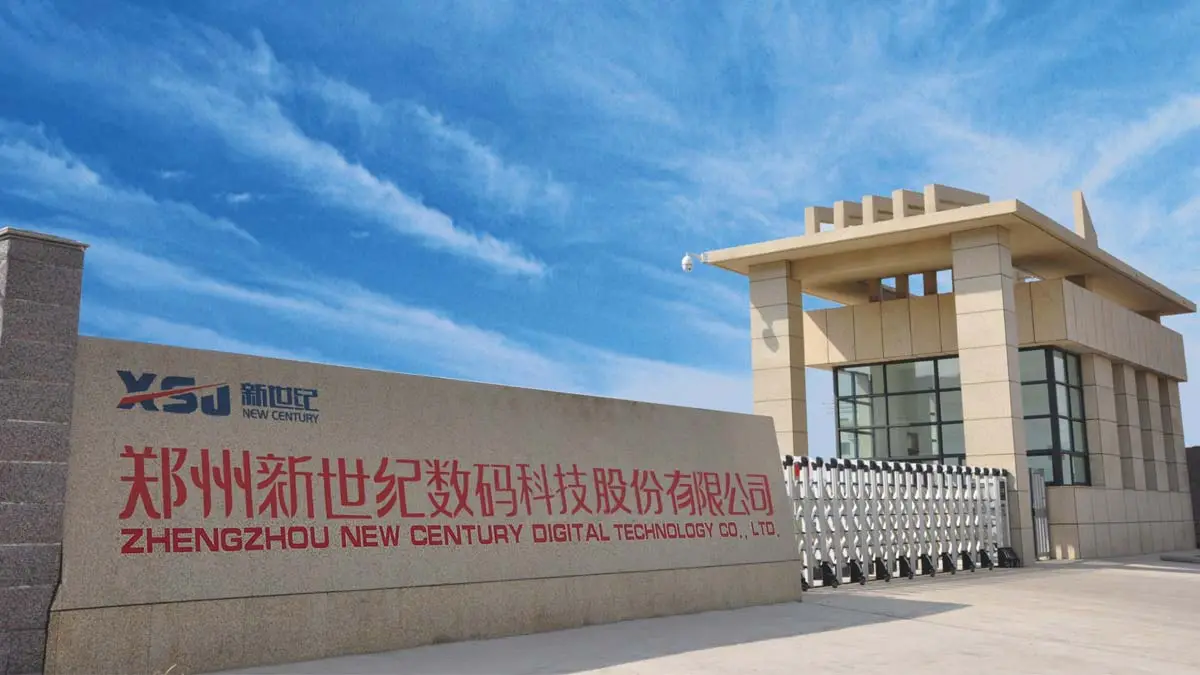
To find the best desktop dtf printer suppliers, you need to find companies that offer both cutting-edge technology and strong customer service. Fedar runs a 400-person production plant that focuses on developing inkjet printers and follows strict quality control rules at all stages of the manufacturing process. Our engineers have made the FD-D300 and FD-D302 types better fit the needs of the North American market by adding Epson F1080-A1 printheads, which are known for being reliable and easy to repair. In addition to selling equipment, we also offer full technical training, marketing materials, and sample kits to give resellers and production sites the tools they need to enter new markets and grow their businesses. Get in touch with info@tex-printer.com to talk about how our desktop DTF products can help your production needs and business growth goals.
References
1. Johnson, M. (2023). "Direct-to-Film Printing Technology: A Comprehensive Analysis of Equipment Performance and Market Adoption Trends." Journal of Textile Engineering, 45(3), 127-145.
2. Peterson, R. & Chang, L. (2024). "Comparative Study of Digital Textile Printing Methods: DTF, DTG, and Sublimation Technologies." International Apparel Manufacturing Review, 18(1), 56-73.
3. Williams, K. (2023). "Small Business Applications of Desktop DTF Printing Systems: Cost-Benefit Analysis and ROI Projections." Custom Apparel Business Quarterly, 12(4), 89-104.
4. Anderson, T. (2024). "Adhesive Chemistry in Heat Transfer Applications: Thermoplastic Powder Formulations for Textile Bonding." Polymer Science and Textile Applications, 31(2), 210-228.
5. Martinez, S. & O'Connor, B. (2023). "Maintenance Protocols for Industrial Inkjet Systems: Extending Equipment Lifespan Through Preventive Care." Digital Printing Technology Annual, 7, 134-156.
6. Thompson, D. (2024). "Market Analysis: Growth Projections for Desktop DTF Equipment in North American Custom Apparel Sector 2024-2028." Textile Manufacturing Economics Report, 22(1), 45-67.

Aelx Chen
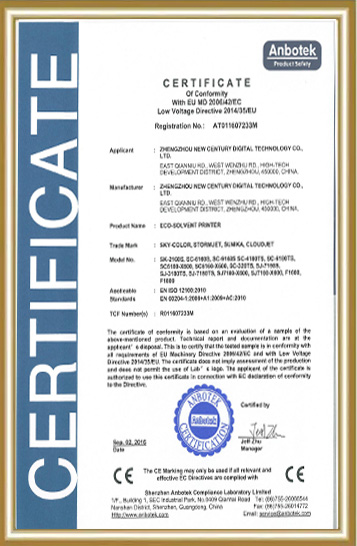
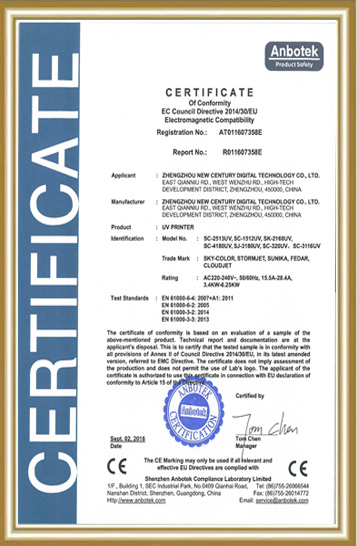
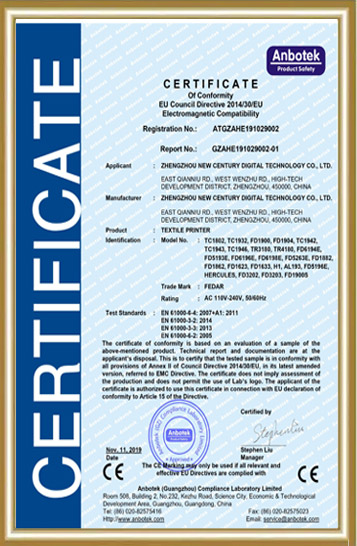
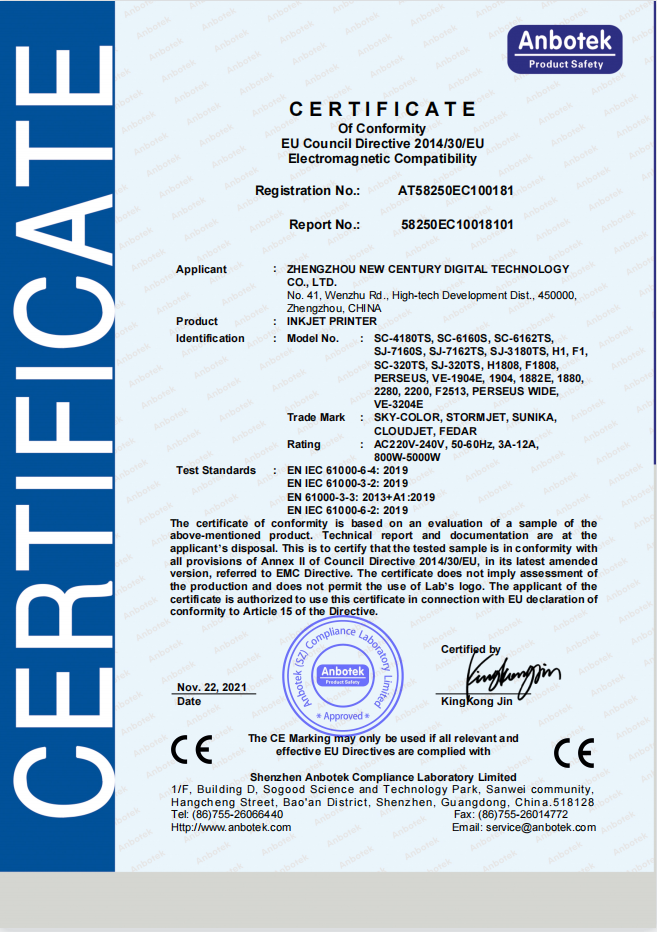
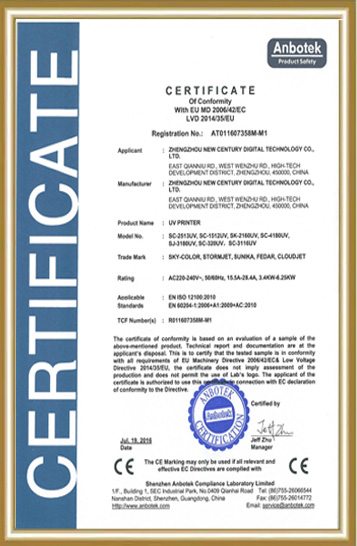
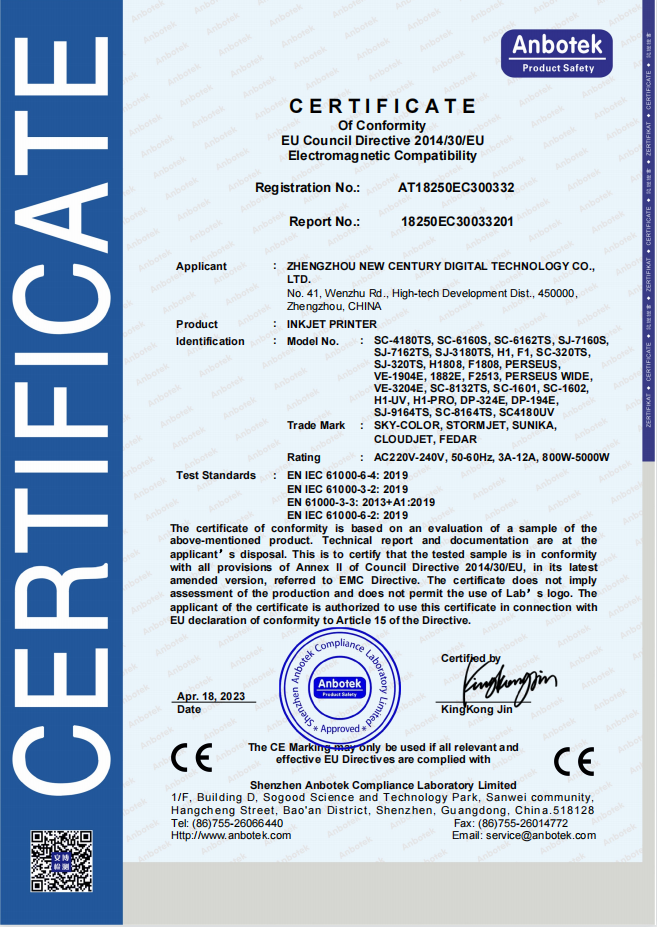
Alex Chen has accumulated extensive R&D and industrialization experience in the digital textile printing field, focusing on the innovation and optimization of digital printing equipment, direct-to-garment (DG) processes, and application solutions. He led the independent R&D and mass production of the company's core textile printing machines and DG printers, promoting their application in the textile, advertising, home furnishing, and personalized customization markets. The equipment he led has passed ISO9000 and CE certifications, earning the trust of a wide range of customers. He continuously provides customers with professional technical support and industry trend analysis, contributing to the upgrading and efficiency improvement of the digital printing industry.
We Look Forward to Your Email
Please send us product information that interests you, and we will provide you with one-on-one service.
_1778203196111.png)
Recommended Blog
How Does a Sublimation Printer Improve Textile Printing Quality?
_1783412819689.webp)
How Sublimation Transfer Printers Improve Custom Fabric Production Efficiency?
Is the DTF Printer 60cm suitable for small - scale businesses?
What Causes Color Fade in Sublimation Printers and How to Fix It?