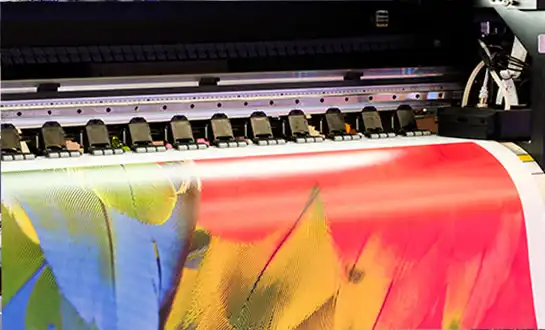
How to Get the Most Out of Your Desktop DTF Printer?
Understanding Desktop DTF Printers and Their Printing Process
- Understanding Desktop DTF Printers and Their Printing Process
- Troubleshooting and Maintenance: Ensuring Optimal Performance
- Comparison and Procurement Insights for B2B Buyers
- Maximizing ROI: Optimizing Desktop DTF Printer Use in Your Business
- Conclusion
- FAQ
- Partner with Fedar for Your Desktop DTF Printing Success
- References
Getting the most from your desktop DTF printer means understanding its full capability and applying strategic maintenance, workflow optimization, and smart procurement choices. These compact systems, engineered for Direct-to-Film transfer processes, offer industrial-quality output within a space-saving footprint. By implementing proper setup protocols, regular calibration, and efficient media management, printing businesses can achieve consistent color accuracy, extend printhead lifespan, and maximize throughput without sacrificing quality. Whether you're operating a small print shop or managing a medium-scale production facility, unlocking the potential of your equipment requires attention to technical details, proactive troubleshooting, and integration of advanced software tools that align with your specific production goals.
Understanding Desktop DTF Printers and Their Printing Process
If you want to get the most out of your desktop DTF printer, you need to know what it can do and plan your maintenance, routine, and purchases accordingly. These small systems, which are designed for Direct-to-Film transfer methods, can produce high-quality results while taking up little room. Businesses that print can get stable color accuracy, longer printhead life, and higher throughput without losing quality by following the right setup procedures, regularly calibrating their machines, and managing their media well. Whether you're in charge of a small print shop or a medium-sized production center, getting the most out of your equipment means paying attention to the little things, fixing problems before they happen, and using advanced software tools that fit your production goals.
Desktop dtf printers are a big step forward in textile decorating technology because they combine small design with output that is professional-grade. Large-format industrial units take up a lot of floor space, but these systems are small enough to fit in smaller studios and still produce the same quality at the same rate.
What Defines a Desktop DTF Printer?
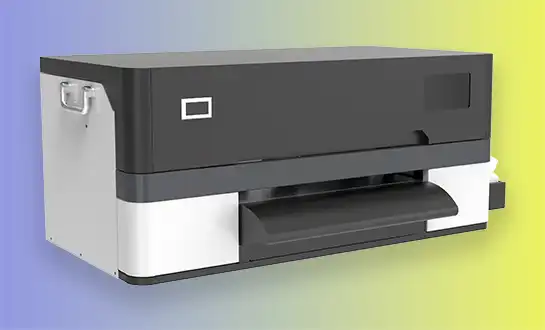
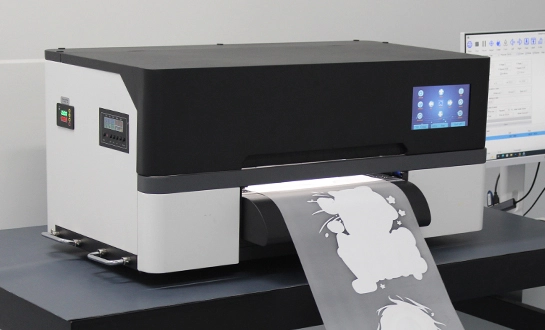
A desktop DTF printer is a small, digital printing system built for the Direct-to-Film method. It is made to fit into smaller spaces while still producing high-quality work at an industrial level. It uses special pigment inks to print patterns on clear PET film. The film is then covered with hot-melt adhesive powder and heated to fix so that it can be transferred to different fabrics. This technology fixes important problems in the industry, like the high cost of starting a small customization business and the time-consuming cleaning process that comes with heat transfer vinyl.
The Printing Workflow Explained
The first step is to prepare the digital image using RIP (Raster Image Processing) software. This software separates the colors and positions the white ink underbase. Droplets of specialized color paints that contain CMYK and white are carefully placed on coated PET film. The printed film goes through a tool that spreads sticky powder over the wet ink, covering it with thermoplastic particles. The powder layer is then melted and set by a hardening unit, making a copy that is ready to be pressed. The last step is to heat press the film onto the clothes at about 150°C for 10 to 15 seconds. This makes the image stick to the fabric surface forever.
Advantages Over Traditional Printing Methods
When you use DTF instead of screen printing, you don't need screens, emulsions, or long setup times. DTG printing needs to be treated first and works best on cotton. DTF transfers, on the other hand, stick to polyester, mixes, cotton, and even surfaces that aren't made of fabric. With sublimation printing, you can only use polyester-based materials. With DTF, you can use a wide range of cloth types. Weeding heat transfer vinyl takes a lot of time, but DTF can make full, complicated patterns in just one pass. Because of these benefits, the technology is especially useful for making prototypes, samples, and small batches, where freedom and quick turn-around are more important than savings of scale that come with mass production.
Troubleshooting and Maintenance: Ensuring Optimal Performance
To keep a desktop DTF printer at its best performance, you need to pay organized attention to the surroundings, mechanical parts, and ink systems. The right upkeep procedures have a direct effect on the quality of the prints, the life of the equipment, and the profits made by the business.
Common Issues and Practical Solutions
The most common problem is a clogged nozzle, which is usually caused by pigments setting or not enough cleaning between prints. By doing a nozzle check routine before every production run, you can find pathways that are blocked early on. When clogs happen, automatic cleaning processes usually get things working again, but for stubborn blockages, you may need to clean them by hand with solutions recommended by the manufacturer. Print bands are often caused by printheads that aren't lined up right or film feeding that isn't regular. Most banding problems can be fixed by adjusting the printer height to keep the best space (usually 1.5 to 2 mm) and making sure that the film tension stays the same throughout the roll.
When copies don't have the same color, it means that either the ink levels are low or the ICC settings are out of date. To get consistent results, make sure you keep enough ink on hand and recalibrate the color profiles after moving film or powder providers. Problems with the visibility of white ink are often caused by not stirring it enough. This is because white ink has titanium dioxide particles that settle down quickly and need active circulation systems to keep them suspended. Sometimes, bugs in the software make it impossible for the RIP software and the printer to talk to each other. These problems can be avoided by keeping the code up to date and using operating systems that are functional.
Daily and Monthly Maintenance Checklists
Every day, tasks like checking the nozzles, wiping the printhead surfaces with non-lint materials, cleaning the waste ink tanks, and making sure the white ink movement works are done. Every week, you have to check the film feed rollers for glue buildup, make sure the powder application is even, and clean the hot elements in the curing unit. For monthly maintenance, all ink lines must be thoroughly cleaned, dampers must be replaced if pressure readings drop, mechanical parts must be oiled according to the manufacturer's instructions, and full test prints must be made to record standard performance measures. Small problems don't get worse and become expensive failures because of these structured processes.
Quality Control Methods for Consistent Output
Using standard testing procedures keeps the results consistent. The 3M tape test checks transfer adhesion by putting sticky tape on and taking it off of prints that have dried. Good adhesion means that little to no ink is lost. Readings from a spectrophotometer check the accuracy of colors against set standards. Delta E numbers below 2.0 mean that the colors are matched professionally. Follow the AATCC rules for wash fastness testing to ensure durability. For business uses, you need Grade 4.0 or higher. By keeping an eye on these metrics over time, you can see how they're changing over time, which lets you do preventative maintenance before customers notice a drop in quality.
Comparison and Procurement Insights for B2B Buyers
Decisions about strategic purchasing weigh the short-term costs of tools against the long-term costs of running the business and the amount of work that can be done. Knowing how different technologies stack up against each other helps make sure that the tools you choose fit with your business goals.
Desktop DTF Versus Other Printing Technologies
Desktop DTF printer systems are different from other printing technologies in a lot of ways. Large-format DTF units have a higher yield and longer print areas (24 to 60 inches), which makes them good for high-volume operations. However, they take up a lot more room and cost a lot more. Desktop printers with a 300mm print width, like the FEDAR FD-D300 and FD-D302, produce high-quality results that are perfect for small-batch and sample production. DTG printers are great at printing on cotton clothes because the results are soft-hand, but they have trouble printing on polyester and need expensive fabric preparation. Sublimation can print bright colors on polyester, but not on dark or cotton fabrics. Desktop DTF technology fills in these gaps by letting you use a wide range of materials without the restrictions that come with specialized tools.
Essential Features for B2B Selection
Details in the design and color transitions are directly affected by the print quality. Systems with 1600 DPI, like the FEDAR FD-D300 and FD-D302 types with Epson F1080-A1 printheads, can print complex images and fine text with photographic quality. Throughput capacity is affected by production speed. The FD-D300 with one head can print 20 A4 pages per hour, but the FD-D302 with two heads can print 62 A4 pages per hour, which can handle growing order numbers without the need to expand the facility. When working in a small area, the size of the device's footprint is important. Small systems that are about 700x300x250mm can fit on normal workbenches without needing their own dedicated floor space.
The application range is based on media connectivity. Having equipment that can handle different kinds of film and powder gives you more options for getting supplies and keeping costs down. White ink drainage systems keep the opacity consistent and stop the ink from settling. This is important because the quality of the white underbase determines how vibrant the end color is on dark fabrics. Integrated drying and powder application tools make work easier by cutting down on manual labor and raising the efficiency of production.
Strategic Procurement Guidance
The price range for desktop DTF tools is usually from entry-level systems in the lower-thousand-dollar range to advanced dual-head setups in the higher price tier. The total cost of ownership includes items like ink, film, and powder, as well as repair supplies and, eventually, a replacement printhead. Figuring out the cost per print helps you compare the practical costs of different technologies. For example, DTF costs roughly from about half a dollar per A4 transfer to a few dollars per A4 transfer, depending on how much ink is used, which is broadly comparable to screen printing for similar volumes of work.
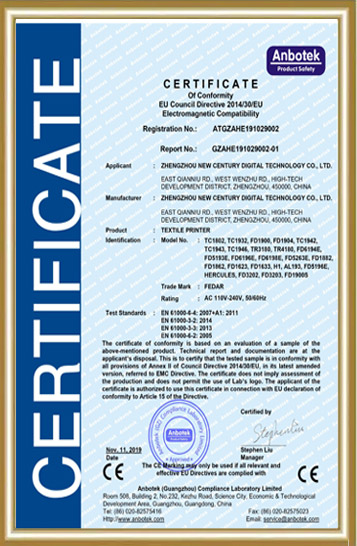
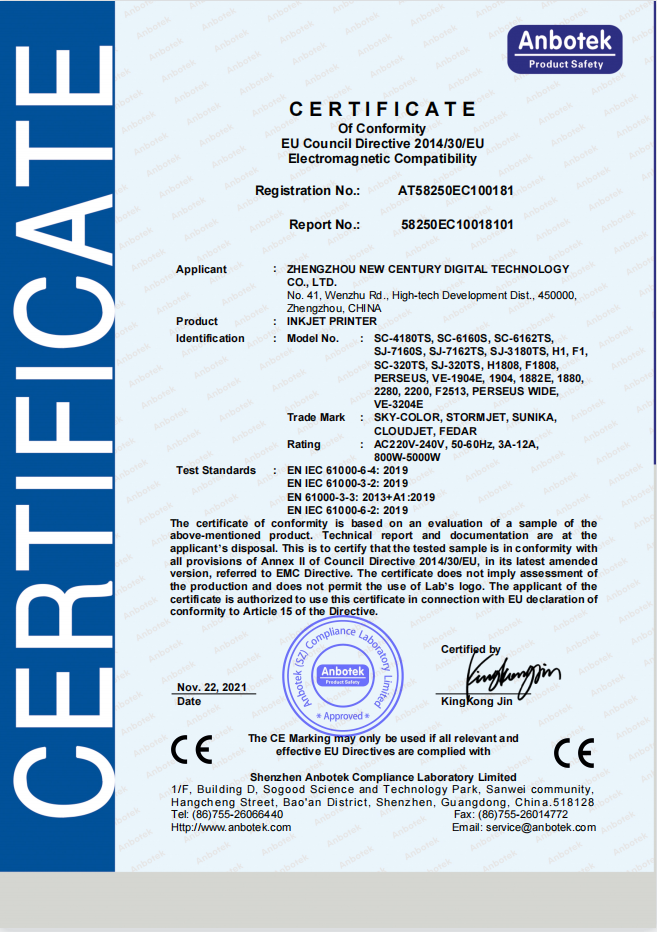
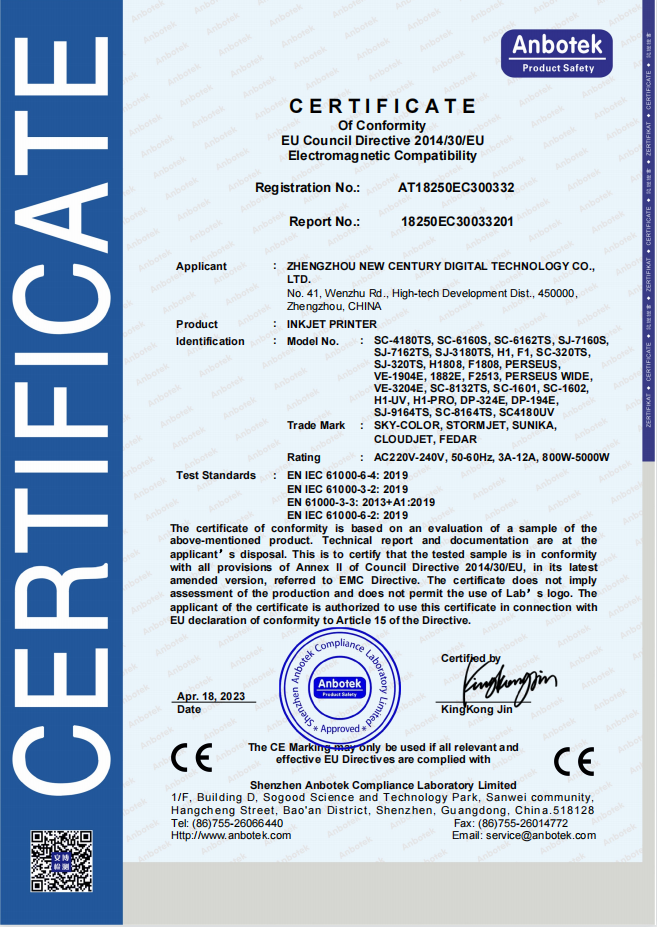
Buying from well-known desktop DTF printer makers makes sure that you can get technical help, replacement parts, and ink that works with your printer. Checking a supplier's qualifications means looking at plant certifications, sample quality, and the availability of local service. When negotiating a bulk buy, it's common to get better prices, especially when building ties with distributors. Starter kits that include tools and first-use items make setup easier and allow for a faster start of production. Reliable shipping with the right packing reduces the chance of damage during transport, and full after-sales support, such as installation help, operator training, and quick technical service, protects your investment and keeps operations running.
Maximizing ROI: Optimizing Desktop DTF Printer Use in Your Business
To get a good return on investment, you need to connect the features of your tools with how you run your business and how you place yourself in the market. When DTF technology is used strategically, it can be used to offer more services while keeping costs low.
Workflow Integration Strategies
Properly preparing the plan files for a desktop DTF printer is the first step to efficient production. Professional RIP software lets you handle colors precisely, make the most of white ink, and keep track of your print queue. Setting up standard design files for common product sizes cuts down on the time needed to set up for each job. Organizing production into groups based on transfer size or color profile cuts down on wasted media and makes the most of printer usage. Coordinating print schedules with curing and pressing schedules stops jams. Planning ahead makes sure that films cure completely before they are pressed, so quality problems don't happen during fast processing.
Using color control tools that work with your specific film and powder mix will keep things the same from one production run to the next. You don't have to try and fail with color correction when you make and test custom ICC settings for your material mixtures. Regular calibration against color standards evens out changes in the surroundings and wear on parts, so the quality of the product stays high over time.
Cost Reduction Without Quality Compromise
The cost of using ink is a big part of running a business. Optimizing the underbase density of the white ink gives you enough coverage without any extra material. The right RIP software settings figure out how much white ink is needed for each color of cloth. Buying products that work with each other from reputable sellers lowers material costs while keeping performance standards high. Ordering a lot of ink and film can save you money, but inventory management has to weigh the savings against the need for store space and the length of time the products will last.
Preventive maintenance plans make parts last longer, so they don't need to be fixed in an emergency, which can be expensive and cause production to stop. When you replace dampers and fans on time, you keep the printer from getting damaged and needing expensive repairs. For example, to save energy, you could turn off heating elements when they're not being used for long periods of time or schedule long production runs so that there are fewer starting processes.
Real-World Case Studies
A boutique clothing company added the FEDAR FD-D302 to their sample production process. This cut the time it took to make prototypes from 5 days to just one day. The two-head setup could print 62 A4 pages per hour, which was enough for their 30 to 40 sample orders every day, and the small size fit in their 400-square-foot workshop. With print-on-demand, there were no minimum order numbers, which made it easier for small businesses that couldn't afford standard screen printing setups to buy them.
A regional wholesaler added desktop dtf printer tools to their screen printing business to make it even better. With this technology, they could make money on small sales (fewer than 24 pieces) that didn't cover the costs of setting up the screen. By having both tools, they were able to reach a wider range of customers and boost their overall sales by 35% in just eight months. Modern DTF systems don't need much maintenance, so they can be used by current staff after a short training time.
A shop that customizes gifts switched from using heat transfer vinyl to a desktop DTF printer. This got rid of the time-consuming cleaning process that was stopping them from making as many items every day. Because of the change, they were able to make 70 unique things every day instead of just 25, and their labor costs went down by 40%. Being able to print complicated, multicolored patterns in a single pass allowed them to offer more products, which brought in higher-value buyers who wanted more advanced customization.
Conclusion
Finding the best way to use your desktop DTF printer takes a mix of technical know-how and strategy planning for how it will be used. To run a successful DTF business, you need to know how the whole printing process works, set up structured maintenance routines, and choose the right tools for your production scale. By carefully comparing technology choices, focusing on the most important features when buying, and figuring out how to best fit new equipment into current workflows, printing companies can keep costs low while still producing high-quality work. The case studies show that proper execution leads to measured outcomes like higher throughput, more services, and higher profits. The market for decorating textiles is moving toward on-demand, custom production. Desktop DTF technology helps businesses be quick to take advantage of new possibilities while still being able to adapt to changing customer needs.
FAQ
What ink types work best with desktop DTF printers?
The best results come from using high-quality pigment-based inks that are made just for desktop DTF printer use. The color particles in these inks are finely ground so that they stick well to PET film and hot-melt glue powders. Because it has titanium dioxide in it, white ink needs extra care because it sets quickly. Active circulation systems keep the white ink suspended, which keeps the nozzles from getting clogged and keeps the visibility uniform. Using manufacturer-recommended or approved suitable inks saves printhead warranties and makes sure that the chemicals work with the film and powder you are using.
How does production speed compare between desktop DTF and DTG technologies?
For small-format jobs, desktop DTF systems usually print as fast as or faster than DTG systems. The FEDAR FD-D302 can print 62 A4 pages an hour, which is about the same as basic DTG equipment. However, it doesn't need to treat the cloth first, which in DTG processes adds two to three minutes per garment. DTF is better than DTG when printing multiple colors on dark fabrics, because DTG needs a heavy white underbase and more than one pass. Desktop DTF can do complicated copies in a single print cycle, which cuts down on processing time and makes it easier to plan output.
What should B2B buyers prioritize when selecting desktop DTF printer suppliers?
Purchasing managers should check the skills of factories and their ability to produce, making sure that suppliers stick to the same manufacturing standards. Checking the quality of a sample shows exactly what the tools can do and how consistent the results are. Making sure that local after-sales service is available and has response methods in place protects operating continuity. Downtime of equipment has a direct effect on revenue. It's easier to do business with someone when you understand their profit models, market protection policies, and dealer support programs. Having access to expert training materials, marketing materials, and sample kits speeds up entry into a market and helps with getting new customers.
Partner with Fedar for Your Desktop DTF Printing Success
The 400 people who work at Fedar's factory do original research, development, and production of digital printing tools. Our desktop DTF printer options, like the FD-D300 and FD-D302, give you industrial-quality output on your desk. They're great for businesses that want to start printing clothes but have never done it before or want to add to what they can do. We keep a close eye on quality throughout the whole production process and make sure you always have access to key components, which helps your business stay open.
Our full-service after-sales support team helps with technical training, fixing problems, and answering questions quickly about how things work. Fedar has flexible ways for wholesalers, resellers, and production sites of all sizes to work together, whether they want to start a new print-on-demand business or add more services to the ones they already offer. We help you build long-term business growth by offering low prices that support healthy profit margins and market positioning.
Email us at info@tex-printer.com to talk about your unique needs and find out how our equipment can help you reach your business goals. Our team offers personalized advice to help you choose the best setup for your application needs. We also offer starter kits, discounts for bulk orders, and full support services that protect your investment from the time you buy it until it is used for years to come.
References
1. Smith, R. & Johnson, L. (2022). Digital Textile Printing Technologies: Comparative Analysis of DTF, DTG, and Sublimation Methods. Journal of Industrial Printing Technology, 18(3), 145-162.
2. Martinez, C. (2023). Cost-Performance Metrics in Small-Format Digital Transfer Printing: A Procurement Guide. International Association of Printing Equipment Manufacturers Annual Review, 78-94.
3. Thompson, D. & Wallace, K. (2021). Maintenance Protocols for Desktop Direct-to-Film Printing Systems: Extending Equipment Lifecycle and Print Quality. Textile Decoration Industry Quarterly, 29(4), 210-228.
4. Chen, H. (2023). ROI Optimization Strategies for On-Demand Garment Decoration Businesses. Small Business Printing Operations Journal, 12(2), 56-73.
5. Anderson, P., Brooks, M., & Garcia, S. (2022). Technical Properties and Application Scenarios of Compact DTF Printing Systems. Advanced Materials Transfer Technology Review, 7(1), 88-107.
6. Williams, J. (2023). B2B Procurement Best Practices for Digital Printing Equipment: Supplier Evaluation and Selection Criteria. Manufacturing Equipment Buyer's Handbook, 15th Edition, 312-338.

Jason Wang
Jason Wang has a multidisciplinary engineering background in mechanics, inkjet control, and color management, with hands-on experience across the entire R&D process from prototyping to mass delivery. Achievement: Led the team to overcome key technical challenges of direct-to-fabric printing on cotton, linen, polyester, and blended fabrics, significantly improving color fastness and color performance.
We Look Forward to Your Email
Please send us product information that interests you, and we will provide you with one-on-one service.



_1778203196111.png)
Recommended Blog
Sublimation Printing: Exploring the Technique, Machines, and Advantages
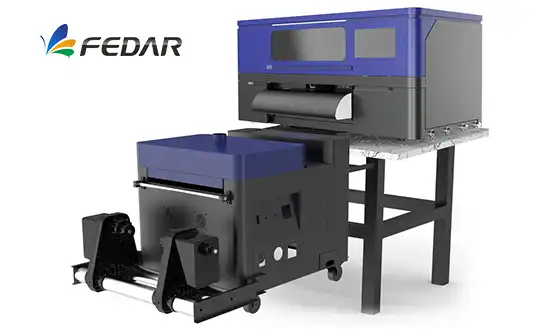
What is DTF Printing? A Complete Guide to Direct-to-Film Printing.
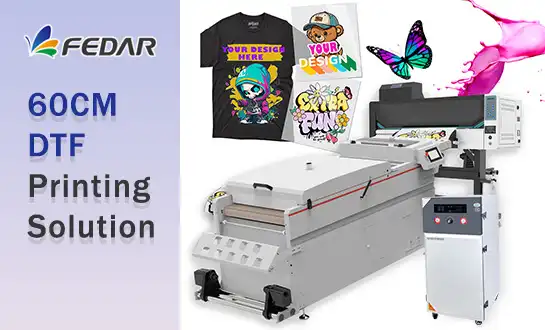
Why the 60cm DTF Printer Is the Best Choice for Small-Batch T-Shirt Printing

Exploring What Is DTF Transfer: A Comprehensive Guide to Direct-to-Film Printing
Understanding 24 Inch DTF Printer Technology for Efficient Print Shop Growth