How to Choose a Sublimation Transfer Printer for Different Fabrics
Understanding Sublimation Transfer Printing and Fabric Compatibility
- Understanding Sublimation Transfer Printing and Fabric Compatibility
- Key Criteria for Selecting a Sublimation Printer for Different Fabrics
- Comparing Sublimation Printer Options for Fabric Printing
- Maintenance and Troubleshooting Tips for Sustained Fabric Print Quality
- Procurement Strategies: How to Source Sublimation Printers Reliably
- Conclusion
- FAQ
- Ready to Find the Right Sublimation Transfer Printer Supplier? Talk to Fedar
- References
Choosing the right sublimation transfer printer for your fabric applications is one of the most consequential decisions a procurement manager or print shop owner can make. The wrong machine leads to color inconsistency, substrate waste, and costly downtime. The right one delivers photographic-grade vibrancy on polyester jerseys, microfiber curtains, and polymer-coated hard goods with equal precision. This guide walks you through fabric compatibility, selection criteria, brand comparisons, maintenance fundamentals, and procurement strategy — everything you need to make a confident, ROI-driven purchase.
Understanding Sublimation Transfer Printing and Fabric Compatibility
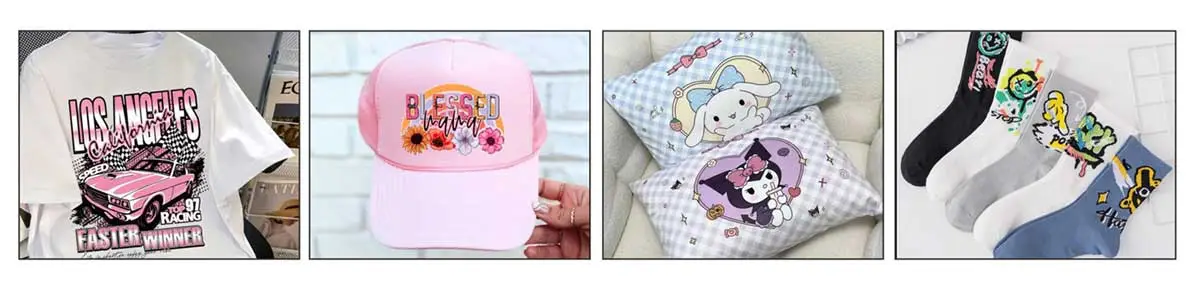
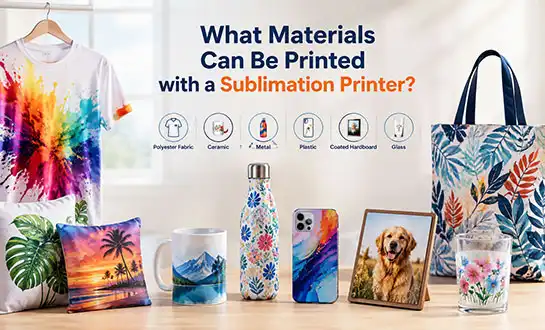
Sublimation transfer printing uses heat, usually between 180°C and 210°C, to turn dye ink that is spread out into gas. The gas then bonds permanently to the molecular structure of polyester fibers. Since the dye goes through the fabric instead of just covering it, the prints are washable, flexible, and don't give the fabric an extra feel when you touch it. Because of this, dye sublimation technology works great for sportswear, soft furniture, and screens that are lit from behind.
Which Fabrics Work — and Which Don't?
The makeup of the fabric directly affects the ability to print. Here is a simple summary of compatibility:
| Fabric Type | Polyester Content | Sublimation Suitability |
|---|---|---|
| 100% Polyester | 100% | Excellent — full vibrancy |
| Polyester-spandex blend | 80–95% | Very Good |
| Polyester-cotton blend | 60–80% | Moderate — muted tones |
| 100% Cotton | 0% | Not suitable |
| Microfiber / Nylon (polymer-coated) | Varies | Good with coating |
Natural fibers, like cotton and linen, don't hold sublimation dye because they don't have the polymer binding sites that are needed for the dye to move, and a sublimation transfer printer is limited to polyester-based substrates. When purchasing equipment for mixed-material production, procurement managers should be aware of this limitation from the start so that end clients don't have unrealistic expectations.
Key Criteria for Selecting a Sublimation Printer for Different Fabrics
To choose the best sublimation transfer printer, you need to look at a lot of technical and operational factors at once, not one after the other. If a machine works great on 100% polyester clothing, it might not work so well when making large-format soft signs or personalized gifts in small quantities.
Core Technical Metrics to Evaluate
There are three main things to consider when choosing a printer for fabric: print quality, ink configuration, and surface width. Variable droplet technology, found in industrial piezoelectric printheads like the Epson i3200 or Kyocera series, can print both sharp line art and smooth picture stripes. When printing on fashion-grade clothes, 8- or 12-color ink systems with bright channels make the color range much wider.
When procurement teams are narrowing down their choices, these are the most important specifications they should look at:
- Print Resolution: At least 1440 dots per inch (dpi) for clothing; 720 dots per inch may be enough for large-format signs that people will be able to see from more than one meter away.
- Media Width: Small studios usually need 44-inch (1.1m) wide-format systems, while factories that work with rolls of sportswear fabric usually need 126-inch (3.2m) wide-format systems.
- Ink Compatibility: Make sure the printer works with high-viscosity scattered dye inks that don't get clogged up at high printhead rates. This will keep the nozzles clear during long runs.
- Color Management: Calibration of the ICC profile to meet the exact mix of ink, paper, and fabric is needed to keep Delta E levels within a 1.5–2.0 range across output batches.
- Environmental Requirements: The temperature must stay between 20°C and 28°C, and the humidity must stay between 40 and 60%. This will keep the ink from changing viscosity and the paper from feeding incorrectly.
All of these factors add up to your total cost of ownership for a sublimation transfer printer. If you use cheap ink or don't have good tension control on thin sublimation paper (40–100 gsm), you'll get ghosting errors, reprints, and substrate waste that quickly eat away at your margins.
Comparing Sublimation Printer Options for Fabric Printing
There are many options on the market for desktop, wide-format, and industrial needs. When distributors and factory owners know where each piece of equipment fits in the production process, they can better match it with their customers.
Model and Segment Overview
| Printer Category | Typical Print Width | Best Application | Approximate Speed |
|---|---|---|---|
| Desktop (e.g., Sawgrass SG500) | Up to 13 inches | Gifts, small studios | Low volume |
| Wide-format (e.g., Epson SC-F9400) | Up to 64 inches | Sportswear, soft signage | Medium–High |
| Industrial roll-to-roll | Up to 126 inches | Mass textile, home décor | High volume |
Epson's SureColor F-series is well-known in business production for its accuracy and well-established ink environment. Sawgrass sublimation transfer printers work well for small companies and people who sell things online because they are easy to set up and don't take up much space. Industrial roll-to-roll systems with built-in drying units and automatic tension control are the norm for big companies that make a lot of polyester sportswear or displays for trade shows.
For example, a medium-sized advertising shop that deals with a mix of orders for soft signs and promotional clothing would benefit most from a 64-inch wide-format unit. It has a good mix of different media options and reasonable running costs. Also, its ink usage per square meter stays the same, which is important for building agent price models.
Maintenance and Troubleshooting Tips for Sustained Fabric Print Quality
Consistent print quality on a variety of fabric substrates for a sublimation transfer printer depends just as much on how well the machine is maintained as on its specifications. When purchasing tools, procurement managers should make sure that the maintenance routine is a factor in the decision, not something that is added at the end.
Routine Practices That Prevent Costly Failures
Banding flaws are found every day by automated nozzle checks, before they ruin whole rolls of fabric. Cleaning the capping station and wiper blade once a week keeps ink waste from building up, which can cause the printer to fail, which is the most expensive fix that can happen in any sublimation printing operation. Controlling the environment is just as important. For example, when the humidity is below 40%, paper and media get stuck, and when the temperature is above 28°C, the ink in the cartridge breaks down faster.
Most of the time, color differences in substrates are caused by wrong ICC profiles rather than mechanical failure. Most of the hue-shift issues from end users on polyester blends can be fixed by making sure that the color profile fits the specific brand of ink and transfer paper.
If the quality of the output gets worse even though the nozzles are clean and the profiles are correct, you should check to see if the printhead has hit its duty-cycle level. Industrial printheads usually have estimated lifecycles that are given in linear meters. Scheduling proactive replacements ahead of time keeps production from stopping without warning.
Procurement Strategies: How to Source Sublimation Printers Reliably
Getting a sublimation transfer printer through the right route has a direct effect on your ability to get assistance after the sale, the time it takes to get replacement parts, and your ability to make money in the long run as a distributor or factory owner.
What to Verify Before Committing to a Supplier?
Reliable suppliers offer factory qualification paperwork, sample kits that can be used again and again, and clear response times after the sale. When buying something from a supplier in another country, make sure that they have an approved service network in the U.S. market or a local expert support system. Traceability is possible through brand-authorized dealers and well-established B2B platforms. However, direct maker relationships, especially with OEM factories, often offer better margins and more personalized training.
Some important things to look at when evaluating a provider are their certified production ability, their warranty terms that cover both parts and labor, their availability of ICC profiles and RIP software packages, and how quickly they respond to technical issues. For new agents entering the market, a package that includes starter ink sets, transfer paper samples, and remote commissioning support makes the learning curve much shorter.
Conclusion
When looking for a sublimation transfer printer for fabric printing, you need to be honest about the types of materials you want to use, how much you want to print, and how much you expect the total cost to be. Industrial precision and a wide ink gamut are good for polyester-dominant workflows, but small studios need reliable desktop simplicity. Long-term, consistent maintenance and a trustworthy provider will protect the quality of your work and your relationships with customers. When you buy the right equipment from a reputable seller, it pays off in the form of repeat business and a good name in the market.
FAQ
Why do sublimation colors look dull on the transfer paper before pressing?
This is the right thing to do. The dye doesn't get fully colored until the heat press starts the gas-phase shift and the dye joins with the polyester fibers. Check the final color on the pressed fabric, never the transfer sheet.
Can sublimation printing work on cotton?
For standard sublimation dye to stick permanently, it needs to have at least 60% polyester content or a special polymer coating. The dye won't stick to 100% cotton, so it will wash out quickly.
What causes ghosting in sublimation prints?
When the transfer paper moves a little during the pressing cycle, it causes ghosting, which looks like two images are stuck together. This flaw can be fixed consistently by using high-tack sublimation paper or making sure the heat press has enough vacuum pressure.
How often should printheads be serviced?
For large-scale processes, it is normal to check the nozzles every day and clean the capping station once a week. The manufacturer's recommended duty cycle, shown in linear meters printed, should be used to plan when to replace the printhead.
What environmental conditions protect print consistency?
Keep the area where the work is being done between 20°C and 28°C and 40-60% relative humidity. Any changes in either way impact the viscosity of the ink, how static the paper is, and the health of the printer in the long run.
Ready to Find the Right Sublimation Transfer Printer Supplier? Talk to Fedar
Fedar makes factory-direct sublimation transfer printers and has a 400-person R&D and production center where quality is checked at every step of the way. Fedar has reasonable prices, sample kits that can be used again and again, and quick customer service that is geared to the U.S. market, whether you are a dealer building an agent network or a factory owner increasing production. You can email our technical team at info@tex-printer.com or explore our full product range at blog.tex-printer.com.
References
1. Ujiie, H. (Ed.). Digital Printing of Textiles. Woodhead Publishing, 2006.
2. Charney, C. "Sublimation Printing: Technology and Market Trends." Textile World, 2021.
3. Provost, J. "Heat Transfer and Dye Migration in Polyester Substrates." Journal of Coated Fabrics, 2019.
4. Lewin, M. Handbook of Fiber Chemistry (3rd ed.). CRC Press, 2007.
5. Choudhury, A. K. R. Principles of Textile Finishing. Woodhead Publishing, 2017.
6. Smithers Pira. The Future of Digital Textile Printing to 2025. Smithers Pira Publishing, 2020.

Aelx Chen
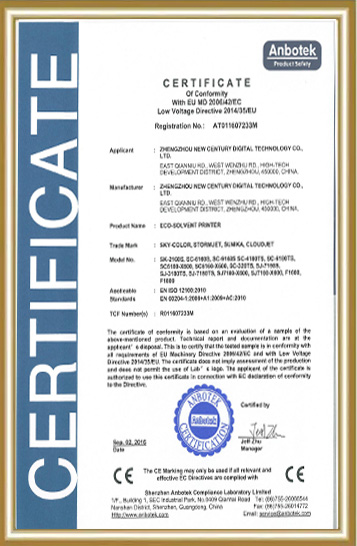
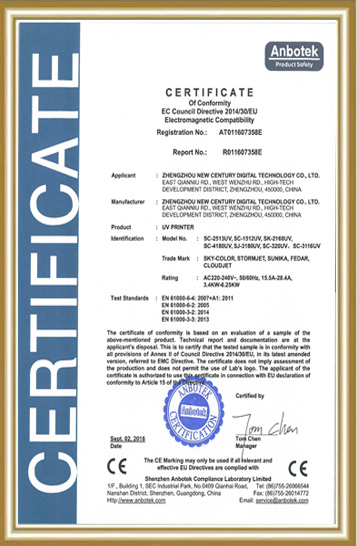
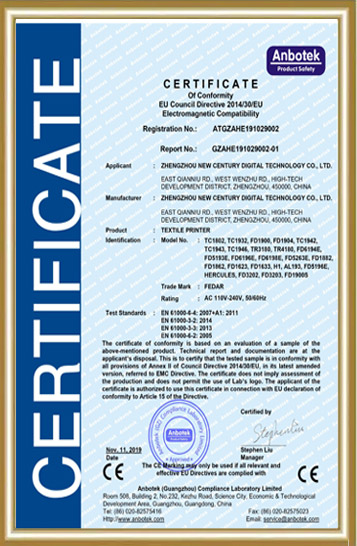
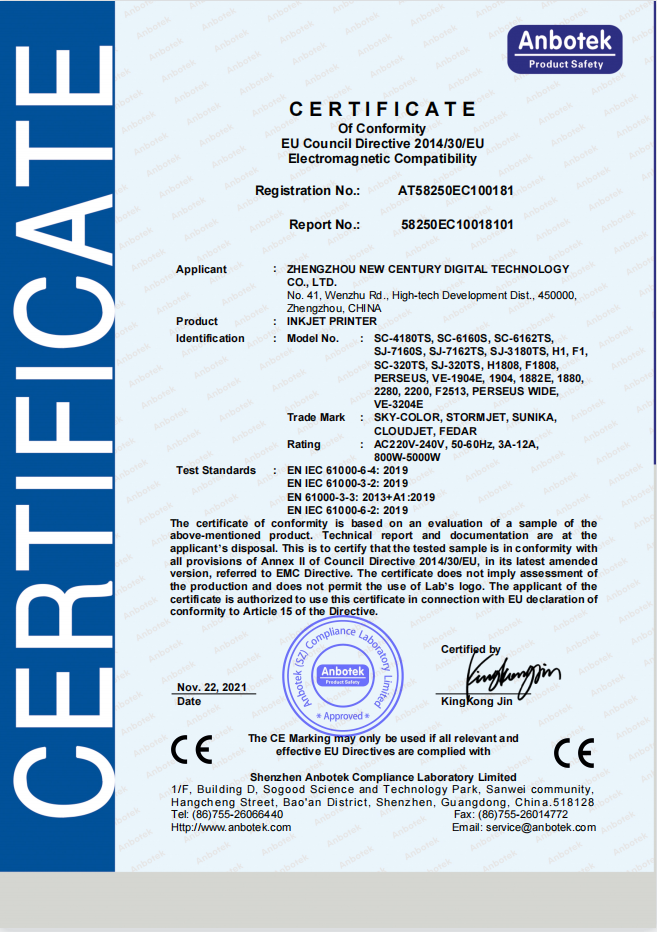
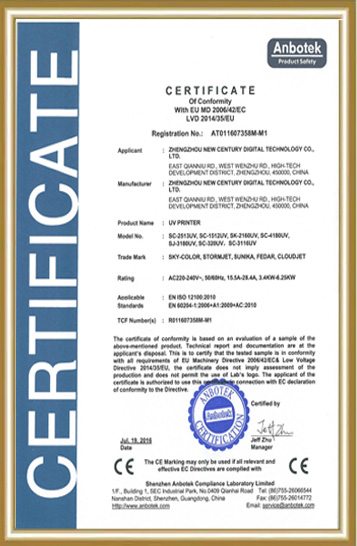
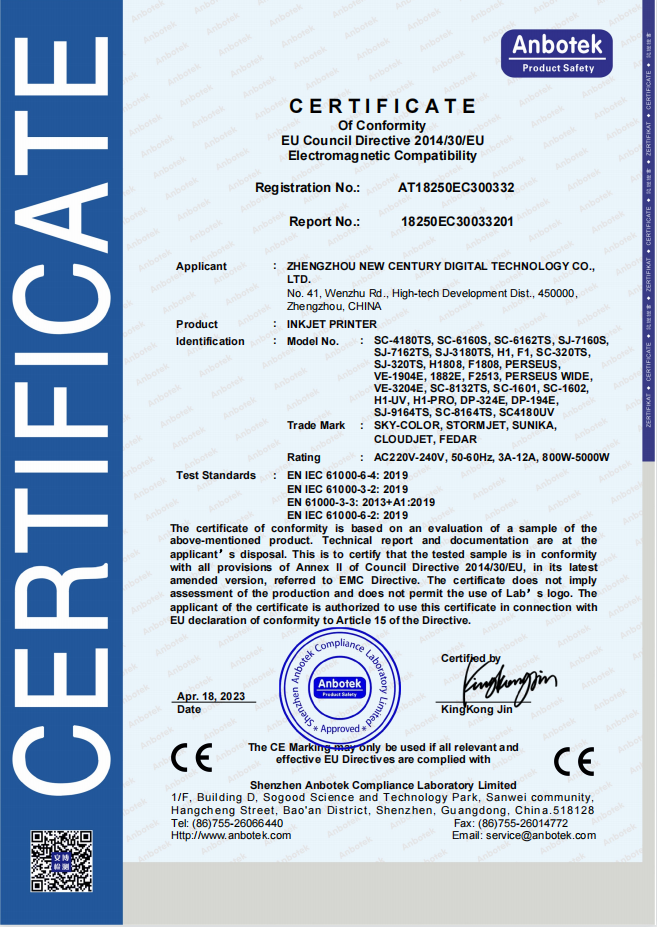
Alex Chen has accumulated extensive R&D and industrialization experience in the digital textile printing field, focusing on the innovation and optimization of digital printing equipment, direct-to-garment (DG) processes, and application solutions. He led the independent R&D and mass production of the company's core textile printing machines and DG printers, promoting their application in the textile, advertising, home furnishing, and personalized customization markets. The equipment he led has passed ISO9000 and CE certifications, earning the trust of a wide range of customers. He continuously provides customers with professional technical support and industry trend analysis, contributing to the upgrading and efficiency improvement of the digital printing industry.
We Look Forward to Your Email
Please send us product information that interests you, and we will provide you with one-on-one service.
_1778203196111.png)
Recommended Blog