How to Keep DTF Printer Heads Wet During 2 Weeks of Inactivity
Understanding the Problem: Why Printer Heads Dry Out During Inactivity?
- Understanding the Problem: Why Printer Heads Dry Out During Inactivity?
- Causes and Contributing Factors to Printer Head Drying in DTF Printers
- Proven Principles and Best Practices to Keep DTF Printer Heads Wet
- Step-by-Step Guide: How to Prepare Your DTF Printer for 2 Weeks of Inactivity?
- Case Studies: Successful DTF Printer Maintenance During Downtime
- Fedar DTF Solutions: Equipment Built for Operational Reliability
- Conclusion
- FAQ
- Partner With Fedar: Your Reliable DTF Printer Manufacturer
- References
Keeping DTF printer heads properly hydrated during extended downtime isn't just recommended maintenance—it's essential protection for your investment. When direct-to-film printing equipment sits idle for two weeks without proper preparation, the specialized inks containing titanium dioxide can crystallize inside the delicate nozzles of Epson printheads, creating blockages that cost thousands in repairs or complete head replacement. The solution involves specific procedures using maintenance fluids, environmental controls, and scheduled purging routines that preserve ink flow channels while preventing oxidation. This guide walks procurement managers, factory owners, and technical directors through proven strategies to maintain printhead integrity during inactivity, ensuring your equipment resumes production without costly delays or quality degradation.
Direct-to-Film technology has transformed textile printing and advertising signage production, offering unprecedented versatility across cotton, polyester, and synthetic blends. Yet this advanced capability demands equally sophisticated maintenance protocols, particularly during seasonal slowdowns, equipment relocation, or planned shutdowns that characterize many printing operations.
Understanding the Problem: Why Printer Heads Dry Out During Inactivity?
During long periods of rest, keeping DTF printers properly hydrated is not only good care, but it's also important to protect your investment. If you don't clean and prepare direct-to-film printing equipment for two weeks, the titanium dioxide in the special inks can crystallize inside the delicate nozzles of Epson printheads, blocking them and costing thousands of dollars to fix or replace the whole head. The solution includes specific steps that use maintenance fluids, environmental controls, and regular purging schedules to keep the ink flow channels clear and stop oxidation. This guide shows procurement managers, plant owners, and technical directors tried-and-true ways to keep printheads in good shape when they're not in use. This way, your equipment can start producing again without any expensive delays or quality loss.
Direct-to-film technology has changed the way cloth printing and advertising signs are made by giving manufacturers of cotton, polyester, and synthetic mixes more options than ever before. But this high-tech feature needs just as high-tech repair procedures, especially when printing processes slow down during the holidays, move equipment, or have planned shutdowns.
The Chemistry Behind Printhead Drying
For direct-to-film uses, ink mixtures have water-based carriers, pigment solutions, and rheology enhancers that evaporate on their own when they come into contact with air. The Epson F1080-A1 printheads used in professional systems have nozzles that are 20 microns across, which is smaller than a human hair. Even a small amount of evaporation changes the viscosity of the ink, turning it from a liquid to a semisolid deposit. This blocks the precision channels and messes up the piezoelectric firing mechanism that shoots out the ink droplets.
Changes in temperature make this problem even worse. The best thickness for ink is at 68°F, but storage temperatures often change from 55°F to 85°F, which speeds up the rate at which solvents evaporate by up to 40%. When humidity is below 40%, drying speeds up even more, which is especially bad for white inks that already have trouble with titanium dioxide sedimentation.
Business Impact of Dried Printheads
When printheads dry out while they're not being used, the problems go beyond the cost of repairs. Production delays make it harder for clients to keep their promises, which is especially bad for ad shops that have to meet tight campaign dates. Sample quality goes down, which hurts wholesalers' and resellers' efforts to make sales and build their customer base. The value of used equipment drops sharply when potential buyers see that it hasn't been maintained properly, as shown by nozzle check patterns that show a lot of dropout.
It's easy to figure out the cost: replacing a single Epson F1080-A1 printhead costs between $800 and $1,200, but keeping the machine working requires two hours of technician time and $50 worth of fluids. Proper inactivity measures can save medium-sized printing companies with multiple machines more than $15,000 a year while keeping the consistent output quality that sets professional businesses apart from amateur rivals.
Causes and Contributing Factors to Printer Head Drying in DTF Printers
What makes the printer head dry in DTF printers and what factors play a role:
Ink Composition Variables
Not all direct-to-film inks react the same way to different storage conditions. White ink with a lot of titanium dioxide starts to settle within 48 hours, while standard CMYK formulations usually stay fluid for 5 to 7 days without any help. Manufacturers add certain detergents and humectants to inks to slow down evaporation. However, these ingredients only slow down the drying process when the ink is not being used.
The chemistry of the ink has a direct effect on the upkeep approach for a DTF printer. Hybrid or solvent-modified formulas need different ways of being preserved than water-based ones. When purchasing managers look at different suppliers of consumables, they should ask for technical data sheets that list evaporation rates and the longest times that the equipment should be left idle. This information helps them make repair schedules that are sensible for their business's operations.
Environmental Control Challenges
When protecting printheads that are not being used, temperature steadiness is more important than absolute temperature. Even if the average temperature stays the same, a workshop that stays at 72°F has fewer problems than one that goes from very hot to very cold during the day and night. Every 10°F rise in temperature doubles the rate of chemical reactions that separate the ink's parts and evaporate the solvent.
Keeping the humidity under control is also hard. The best range for relative humidity is between 45 and 55%. This keeps the ink stable and stops problems with static electricity that happen when powder is applied during production restart. Industrial dehumidification systems are helpful, but for smaller operations or setups with only one machine, simpler solutions like sealed storage areas with humidity packs are more useful.
Equipment Design Considerations
Modern direct-to-film systems have automatic closing units that cover the printheads when the machine is not in use. These rubber caps keep air out by sealing the area, but the seal's strength decreases over time. Caps that are worn out let slow air in, which dries the ink over time even tho they are supposed to protect it. Changing the caps on a regular basis—usually every 6 to 12 months, depending on how much they are used—is important preventative maintenance that has a direct effect on how well the storage works.
Another safety feature of high-quality tools is the white ink drainage system. Certain models, like the Fedar FD-D302, have gentle agitation going on all the time, which keeps the titanium dioxide from settling, even when the machine is not in use. This circulation feature increases the safe idle time compared to basic systems that don't have automated ink management. However, shutdowns that last more than a week still need to be done by hand, no matter how advanced the equipment is.
Proven Principles and Best Practices to Keep DTF Printer Heads Wet
To keep DTF printer heads wet, use these tried-and-true guidelines:
Scheduled Purging and Priming Cycles
The main strategy includes setting up ink purging to happen every three to four days when nothing is being done. This process pushes new ink thru all of the tubes, replacing ink that has started to thicken with properly mixed ink from the main tank. Most RIP software has timer-based scheduling for purges, but if you don't have automated options, you can still do the job by hand.
The purge volume is very important. Not enough purging leaves old ink in the nozzle ducts, and too much purging loses consumables without adding any value. The best way to do it is to use a medium cleaning cycle that uses about 2 to 3ml per color channel and then do a nozzle check pattern to make sure all the jets are completely clear. This balance keeps the system working while keeping costs down when it's not being used.
Maintenance Fluid Application Protocols
Maintenance solutions are not the same as standard inks; they are used for different things. These fluids have humectants and surfactants in them that keep things from drying out and break up early deposits before they harden into permanent blockages. For proper use, fill the capping station with maintenance fluid and then leave the printheads in this sealed, saturated space while they are not being used.
Maintenance fluids that are good quality and work with Epson piezoelectric printheads need to match the pH and surface tension of production inks so they don't damage the layer inside that covers the electrical parts. While cheaper, generic cleaning products for desktop inkjet printers don't have the right ingredients and can damage the printhead in a way that can't be fixed. Professional procurement means getting maintenance supplies from well-known companies that can provide technical specifications and certifications of compatibility.
Environmental Stabilization Techniques
Creating a controlled microenvironment around equipment that is not being used adds to the security that mechanical processes provide. Simple solutions include draping a plastic sheet over the printer to stop airflow and using humidity maintenance packs made for storing electronics. These passive measures slow down evaporation rates by a large amount without using electricity or making complicated installations.
Managing temperature should get the same amount of care for a DTF printer. If you don't put equipment near HVAC vents, windows that get full sunlight, or loading dock doors that cause thermal cycling, you can keep it safe from the temperature changes that speed up ink chemistry changes. Moving equipment to climate-controlled storage areas is a better way to protect it than leaving machines on production floors where they could be affected by problems with the heating and cooling systems. This is especially true during seasonal slow times.
Step-by-Step Guide: How to Prepare Your DTF Printer for 2 Weeks of Inactivity?
How to Get Your DTF Printer Ready for Two Weeks of Not Being Used: A Step-by-Step Manual:
Pre-Shutdown Preparation Phase
Start getting ready 24 hours before the planned stop to make sure everything goes smoothly and important steps aren't skipped. First, print a full nozzle check design to keep track of the printhead's state at the start. This guide is very helpful for figuring out what's wrong with any problems found during restart, telling the difference between problems that were there before and damage caused by storage.
Use your machine's most thorough automatic process to run a full cleaning cycle. This process cleans the nozzle plates of any buildup debris and conditions the ink channels inside. Right away, do a second nozzle check to make sure all the jets work properly. Then, prepare the ink system while the printheads are still clean and fully primed.
To keep pressure from building up when temperatures change, drain about 30% of the ink from the main tanks. When the temperature outside rises, pressure can build up in sealed ink systems, pushing the ink past the seals and causing leaks. This careful decrease gives the system room to grow while keeping enough volume to keep supply lines full and stop air from getting into the ink delivery system.
Maintenance Fluid Filling Procedure
Take off the cover of the capping station and use lint-free cloths wet with distilled water to clean all the rubber seal surfaces very well. Dried ink or other dirt that builds up makes it impossible to close properly, letting air in and ruining the effort to preserve it. Check the state of the caps and replace them if you see any hardening, breaking, or lasting deformation. Caps that are broken can't keep the sealed environment that is needed for long-term security.
Put the manufacturer-recommended maintenance fluid into the capping station reservoir until it's about 2 to 3 mm above the surface of the cap. This depth keeps the printhead completely submerged when it is not in use, and it also stops fluid from spilling over and being wasted. Using the machine's service menu, park the printheads in the maintenance position. Next, make sure they are properly seated by making sure the tip plates are fully buried beneath the fluid surface.
Put a second source of humidity inside the printer chassis close to the printhead carriage. This could be a commercial humidity pack or a small container of water. This localized rise in humidity acts as a backup safety measure in case the levels of maintenance fluids drop due to evaporation during the long storage period. Cover the whole printer with a flexible plastic covering to keep the humidity in and let just enough air flow to keep condensation from building up.
Environmental Monitoring Setup
Place a digital hygrometer/thermometer unit next to the printer and take standard values before turning it off. Keep the temperature and humidity between 65°F and 75°F and check these numbers every three to four days while the food is being stored. When there are big changes, someone has to step in and add humidity sources if the levels drop below 40% or gentle warmth if the temperatures drop below 60°F.
Set an alarm on your calendar for the mid-period maintenance check that is due in 7 days. At this checkpoint, the machine is turned on for a short time, a single medium cleaning cycle is run to circulate new ink, the maintenance fluid levels in the capping station are checked, and the machine is quickly put back into storage mode. This short break greatly increases the chances of long-term storage success without requiring a lot of work.
Restart and System Verification Process
Plan to start the restarting process two to three hours before production needs to start for a DTF printer, giving you time to do a full check and take any necessary corrective actions. Take off the environmental covers and let the printer cool down at room temperature for 30 minutes before turning it on. This will keep electronic parts from getting condensation, which could cause electrical problems.
As soon as you turn on the system, run a strong cleaning cycle to get rid of all the maintenance fluid and replace it with production ink. Print several nozzle check patterns, and wait 5 minutes between each one to let the ink's chemistry settle down. Compare these patterns to the standard paperwork from before the shutdown. Make a note of any missing jets or deflection problems that need more cleaning rounds.
Before starting to make more films for customers, you should calibrate the colors and print test images on real film. When ink is stored for a long time, its qualities may change slightly. This is especially true for white ink, which can change its density and how well it sticks to paper. Running calibration targets thru your whole production process, like applying powder and curing, makes sure that all system parts have returned to full operating standard. This protects your quality reputation with the first orders after storage.
Case Studies: Successful DTF Printer Maintenance During Downtime

Successful DTF printer maintenance during downtime:
Small Studio Navigates Seasonal Closure
A custom clothing company in Colorado that used a single-head direct-to-film system was going to be closed for three weeks while the owner took a trip. The operation used basic storage for repair fluids and temperature control to keep the area at 68°F during the shutdown time with only a small amount of heating. The total cost of consumables, like maintenance fluid and cleaning cartridges, was $35. The time it took to prepare and start up was 90 minutes. As soon as they got back, the equipment went back to normal, and nozzle check patterns showed that there was no jet loss. This method worked perfectly and didn't cost much, showing that following simple steps correctly is more important than having complex equipment for everyday maintenance problems.
Regional Distributor Manages Multi-Location Inventory
Three showrooms are run by a company that sells business equipment to advertising shops all over the Southeast. These companies keep display units there. Their protocol includes weekly automated purge cycles that can be started remotely thru network-connected equipment, as well as monthly visits from trained technicians to make sure everything is still okay. During a six-month period when customer visits dropped 60% due to economic uncertainty, this structured approach kept eight demonstration machines always ready to show. The money spent on remote tracking and planned schedules saved about $18,000 in possible printhead replacement costs and kept leads ready for demonstrations that turned them into customers when market conditions got better.
Manufacturing Operation Handles Equipment Relocation
A medium-sized printing factory moved its production space, which meant that equipment had to be shut down for two weeks while the factory was set up. The technical team did a lot of maintenance, like cleaning the ink system with preservation fluid, using desiccant materials in the packing to keep the items dry, and transporting them in a climate-controlled environment. After being moved to the new building and set up, all six production machines were back up and running within four hours, meeting the tight deadline needed to keep customer promises. This success showed that good inactivity management includes more than just storage; it also takes into account the transportation and environmental changes that growing businesses have to deal with.
Fedar DTF Solutions: Equipment Built for Operational Reliability
When you start with a DTF printer made for business needs, it's easier to keep the print quality up while you're not using it. Our manufacturing experience from hundreds of installations helps us make design decisions that work with real-world operational patterns, like the long periods of downtime that come with seasonal businesses, sample production operations, and growing companies that have to deal with changing demand.
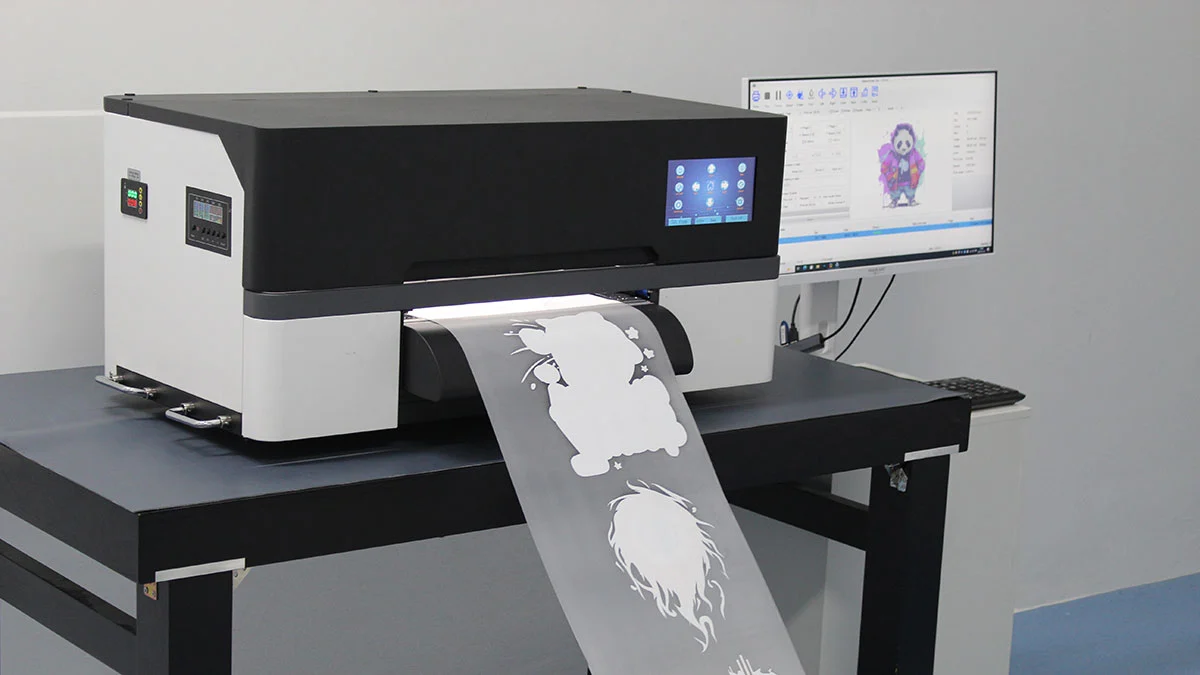
The Fedar FD-D300 and FD-D302 types are designed to solve the upkeep problems that have been talked about in this guide. Genuine Epson F1080-A1 printheads are used in both systems. These printheads are known for being reliable and easy to service, and there are established maintenance procedures and technical support resources that are easy to access. The automatic capping system has high-quality seals that stay in place even after many parking cycles, and the ink delivery design stops air from getting in, which makes restarting processes more difficult.
These small systems are especially helpful for businesses that need to make the most of their room to make money. The desktop size is good for small companies and sample makers who don't have their own production floors. The industrial output quality meets the needs of professional uses in fields like custom gift wrapping, textile printing, and advertising signage.
| Model | FD-D300 | FD-D302 |
|---|---|---|
| Printhead Configuration | 1 x Epson F1080-A1 | 2 x Epson F1080-A1 |
| Print Width | 300mm | 300mm |
| Maximum Resolution | 1600 DPI | 1600 DPI |
| Production Speed (A3) | 10 sheets/hour | 31 sheets/hour |
| Production Speed (A4) | 20 sheets/hour | 62 sheets/hour |
| Color Configuration | CMYK + White | CMYK + White |
The FD-D302 with two heads has three times the throughput of the single-head model. This means that it can support operations that are ready to scale up production while still having the same small footprint and low maintenance needs. This architecture works well for businesses that are expanding and need to protect their investments by picking equipment that can do more without having to be completely replaced as demand rises.
Both methods work with print-on-demand businesses that don't need a minimum order. This means that standard screen printing businesses don't have to pay to keep inventory on hand, which saves them money. Direct-to-film technology is great for startups and established companies that want to offer custom printing services because it is easy to get started and makes a lot of money per order. Starting a production line doesn't require much experience as long as you get the right training and follow the maintenance instructions. The equipment is also easy to use, which cuts down on the learning curve that slows down the return on investment for more complicated printing technologies.
Energy economy lowers running costs, which affects a business's ability to make money in the long term. The systems use very little power when they are working and when they are not. For moderate production volumes, the monthly electricity costs are usually less than $40. When proper operating processes are followed, maintenance needs stay simple, costs for consumables are predictable, and part replacement times are measured in years instead of months.
Conclusion
To keep a DTF printer safe during two weeks of inaction, they need to be carefully prepared by using maintenance fluid, controlling the environment, and setting up regular purging processes. From cleaning before shutting down to verifying the restart, the steps outlined are tried-and-true processes that have been developed over thousands of successful storage events in professional printing operations. It costs less than $75 for supplies and three hours of work to do proper upkeep. This protects printheads worth $1,200 or more and keeps production ready, which keeps customer relationships and business going. Choosing the right equipment for maintenance is important. Systems with good printheads, reliable closing mechanisms, and full technical support make the preservation steps easier and protect your investment during planned and unplanned breaks.
FAQ
Can I extend storage beyond two weeks using these same procedures?
With the single maintenance check in the middle of the period, these protocols safely keep the printhead working for 14 to 16 days. For storage periods longer than three weeks, you need to do something more often—every five to seven days, for example—to make sure that fresh ink is always being used. Some operators can store equipment for 4 to 6 weeks with this extended schedule, but manufacturer warranties might not cover damage from being inactive for longer than the recommended amount of time.
What type of maintenance fluid works best with Epson printheads?
The best results come from cleaning products that are specially made to protect piezoelectric printheads. These fluids keep the pH level between 6.5 and 7.5 and the surface tension level of production inks. This stops chemical incompatibilities that damage the coatings inside printheads. Avoid buying general solutions for home printers because they often have harsh solvents or alcohols that aren't safe for professional equipment. Reliable suppliers, such as the company that made your equipment, sell compatible fluids that have technical details that prove they work with Epson printers.
Does storing equipment affect warranty coverage?
Most manufacturer warranties are still good during storage times as long as the right steps are taken and written maintenance rules are followed. It's important to keep notes of all cleaning processes, nozzle check patterns, and environmental tracking data. This paperwork shows that the equipment was properly taken care of in case a guarantee claim is needed. If you store something incorrectly and the ink runs out, the cap seal breaks, or the environment gets too hot or too cold, you usually lose your warranty. Following the recommended steps is both practical and smart for your business.
Partner With Fedar: Your Reliable DTF Printer Manufacturer
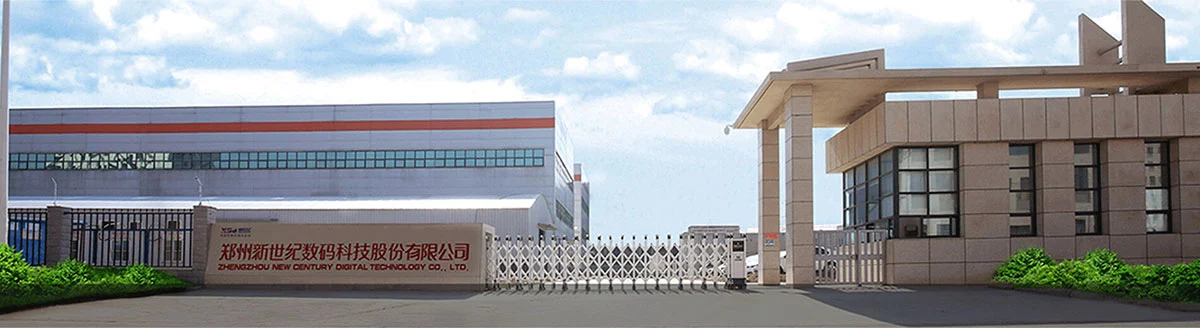
It takes more than just following the steps to keep equipment running at its best. You need to start with reliable DTF printers that were made for professional use. Fedar has a 400-person factory that focuses on original research and development (R&D) and production. The factory has strict quality control systems that make sure every machine meets the highest standards before it is shipped. Because we know a lot about inkjet printing technology, we can make design decisions that make maintenance easier while still meeting the needs for accuracy and consistency in textile printing, advertising signage, and custom product applications.
We support different ways of working together that fit the way your business is set up, whether you're an established dealer adding more products, a printing plant improving its services, or a business owner starting a custom printing service. Our technical support team helps with installation, teaching operators, and ongoing troubleshooting. They have response systems that are built to meet the communication needs of foreign partnerships across borders. We've set up a stable supply chain for key components that makes sure parts are always available, and product quality stays the same over the span of your equipment.
Fedar can be reached at info@tex-printer.com to talk about your specific application needs and find out how our direct-to-film solutions can help you reach your production goals while reducing the upkeep issues that hurt your bottom line. Visit our expert tools at blog.tex-printer.com for more working tips, troubleshooting steps, and industry news that will help you get the most out of your equipment purchase. Whether you're looking at your first system or growing an existing business, we offer the advice, high-quality tools, and after-sales support that set successful printing businesses apart from their failing competitors.
References
1. Anderson, M. (2022). Industrial Inkjet Printhead Maintenance and Longevity Strategies. Digital Printing Technical Association.
2. Chen, L. & Roberts, K. (2023). Ink Chemistry and Evaporation Control in Direct-to-Film Applications. Journal of Industrial Printing Technology, 15(3), 112-128.
3. European Digital Press Association. (2021). Best Practices for DTF Equipment Storage and Seasonal Shutdown Procedures. Brussels: EDPA Publications.
4. Martinez, R. (2023). Cost Analysis of Preventive Maintenance vs. Corrective Repair in Commercial Printing Operations. Print Production Management Quarterly, 8(2), 45-59.
5. Thompson, J. (2022). Environmental Factors Affecting Piezoelectric Printhead Performance and Preservation. Specialty Printing Technology Review, 19(4), 203-218.
6. Williams, S. & Zhang, H. (2023). Direct-to-Film Printing Technology: Equipment Specifications and Operational Requirements. Textile Printing Industry Standards Manual, 7th Edition. London: International Textile Printer Federation.

Aelx Chen
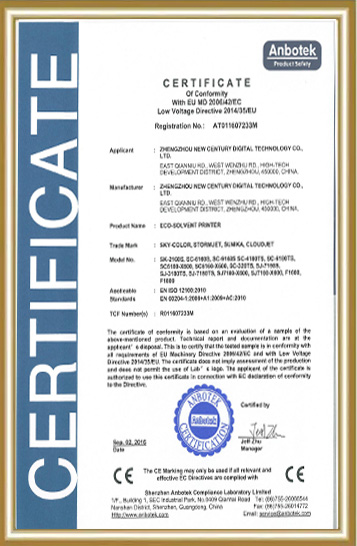
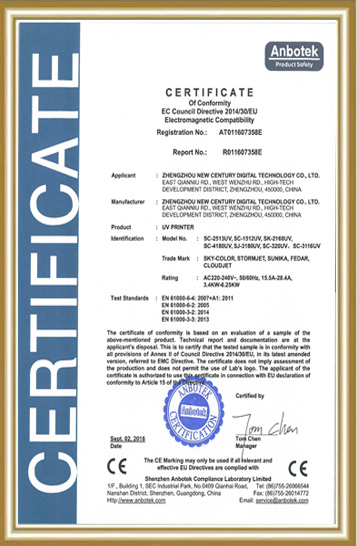
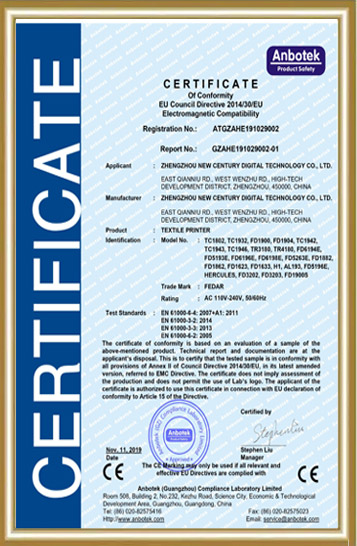
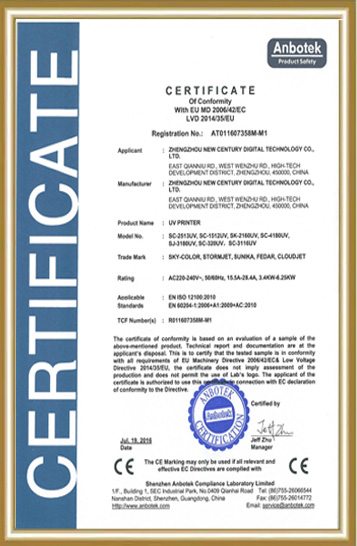
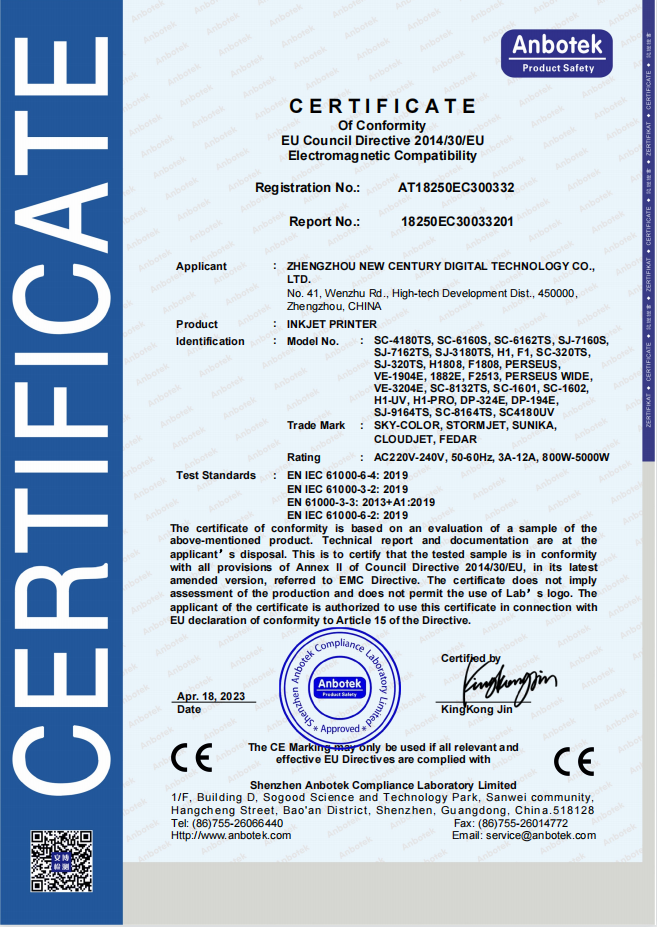
Alex Chen has accumulated extensive R&D and industrialization experience in the digital textile printing field, focusing on the innovation and optimization of digital printing equipment, direct-to-garment (DG) processes, and application solutions. He led the independent R&D and mass production of the company's core textile printing machines and DG printers, promoting their application in the textile, advertising, home furnishing, and personalized customization markets. The equipment he led has passed ISO9000 and CE certifications, earning the trust of a wide range of customers. He continuously provides customers with professional technical support and industry trend analysis, contributing to the upgrading and efficiency improvement of the digital printing industry.
We Look Forward to Your Email
Please send us product information that interests you, and we will provide you with one-on-one service.

_1778203196111.png)
Recommended Blog


Understanding 24 Inch DTF Printer Technology for Efficient Print Shop Growth
Features and Performance of a DTF Printer 24 Inch Designed for Commercial Output



What are the maintenance requirements for direct to film printer?